

Android
Turn On/Off RCS Chat Features in Google Messages auf Android
Chat features are Google's name for RCS messaging inside the Messages app. They add read receipts, typing indicators, higher-quality media, and delivery over Wi-Fi or mobile data instead of the older SMS/MMS standard.
When your carrier supports RCS, chat features usually activate on their own the first time you open Messages with a Google Account signed in. If activation fails or you want to turn the function off, you can control it manually from the app settings.
Where to find the setting
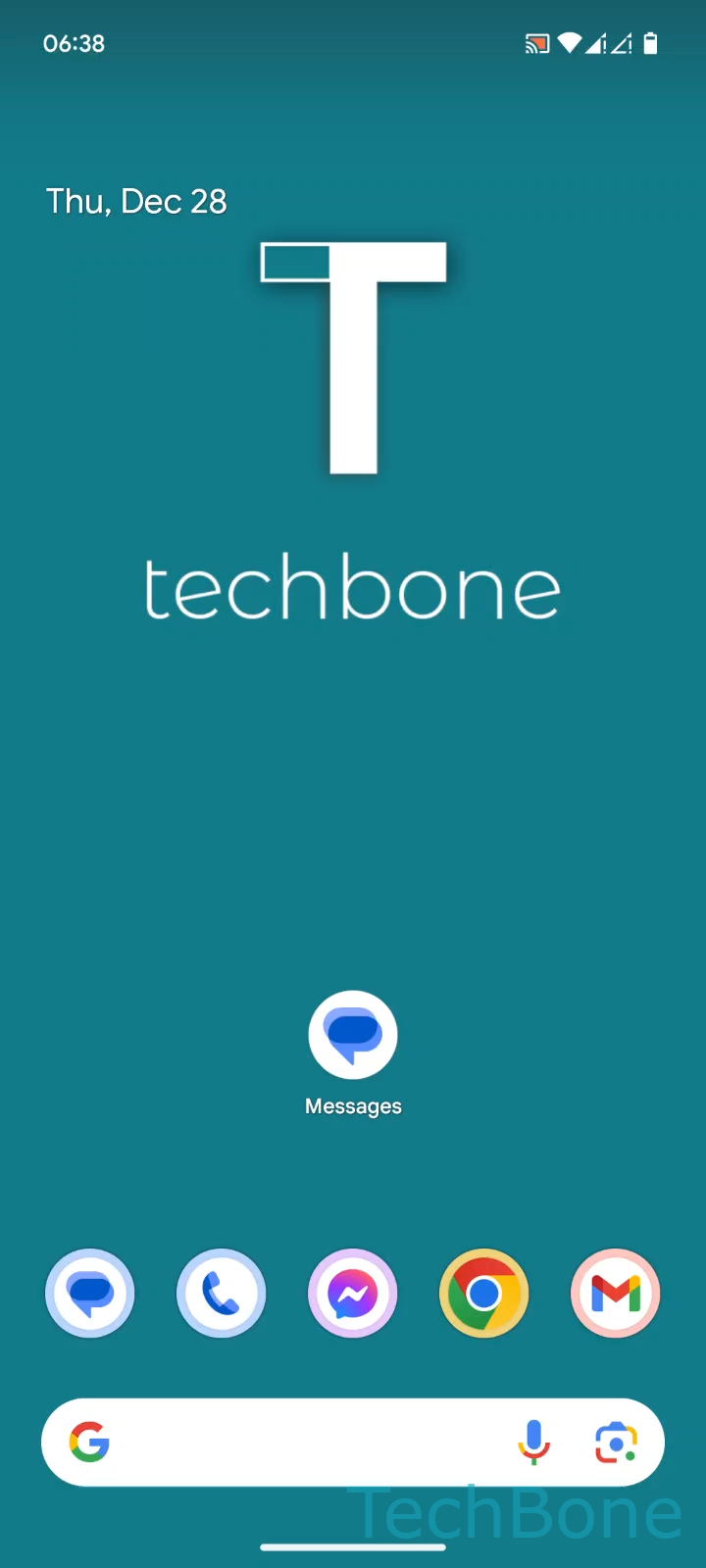
Open the following path inside Google Messages: Tap on Messages ➔ Tap on Google Account ➔ Tap on Messages settings ➔ Tap on General ➔ Tap on RCS chats ➔ Enable or disable Turn on RCS chats.
Switching this toggle off forces every conversation back to standard SMS or MMS. This is useful if you are on a limited mobile plan, want to avoid read receipts, or need a workaround while your carrier's RCS rollout is unstable.
Switching it on again does not restore old chat history that was lost during the change, and both sides of a conversation need chat features enabled to get blue bubbles and typing indicators. If messages keep falling back to SMS, the issue is usually on the recipient's side or with carrier provisioning, not your local setting.