

Android
Copy a Message auf Android
Copying a message on Android relies on a long-press gesture that opens a text-selection toolbar. If you tap too briefly, the app just opens the conversation thread instead of selecting the message, which is why the copy option seems to disappear for some users.
Where the copy function is hidden
The action sits inside the Messages app itself, not in a separate menu. Once you hold down on a message bubble, a small toolbar or context menu appears above or below it, offering options like Copy, Forward, or Delete depending on the app version.
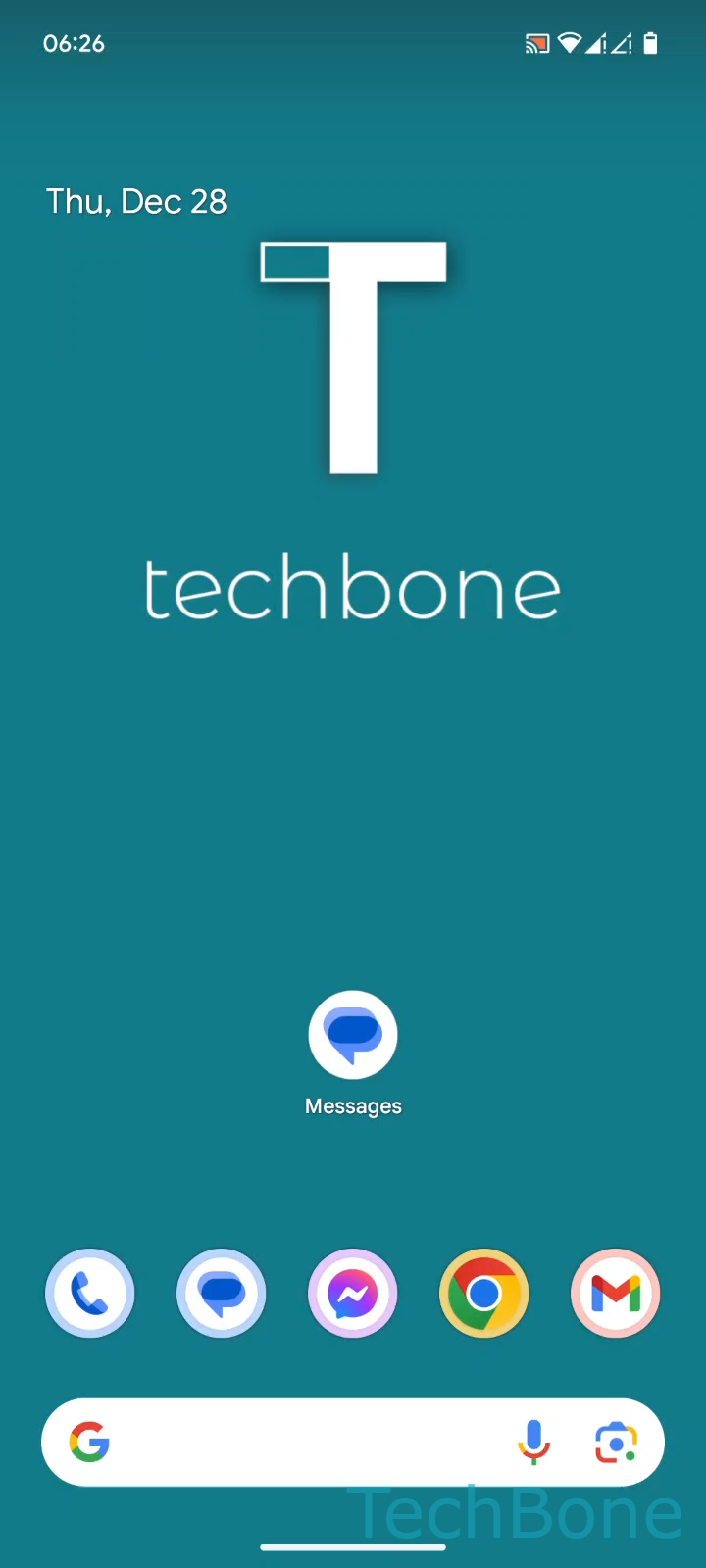
The verified path is: Tap on Messages ➔ Choose a Conversation ➔ Tap and hold a Message ➔ Tap on Copy.
After tapping Copy, the message text is stored on the clipboard. You can then switch to any other app, tap into a text field, and use Paste to insert the same wording.
When this does not work
If the message contains only an image, sticker, or attachment, the long-press menu usually skips Copy and shows options like Save or Share instead. Long messages split across multiple bubbles may also need to be copied bubble by bubble, since Android selects one message block at a time.
Better alternative for longer text
If you need to copy several messages at once, forwarding the conversation or using Share is often faster than copying each bubble individually.