

Android
Create a New Contact auf Android
Android stores every phone number and name inside the Contacts app, which is linked to your default calling and messaging apps. If a new entry does not appear after saving, the Name field was usually left empty or the phone number was entered with the wrong format for your region.
To add someone new, open your contacts list and use the built-in add function. The verified path is:
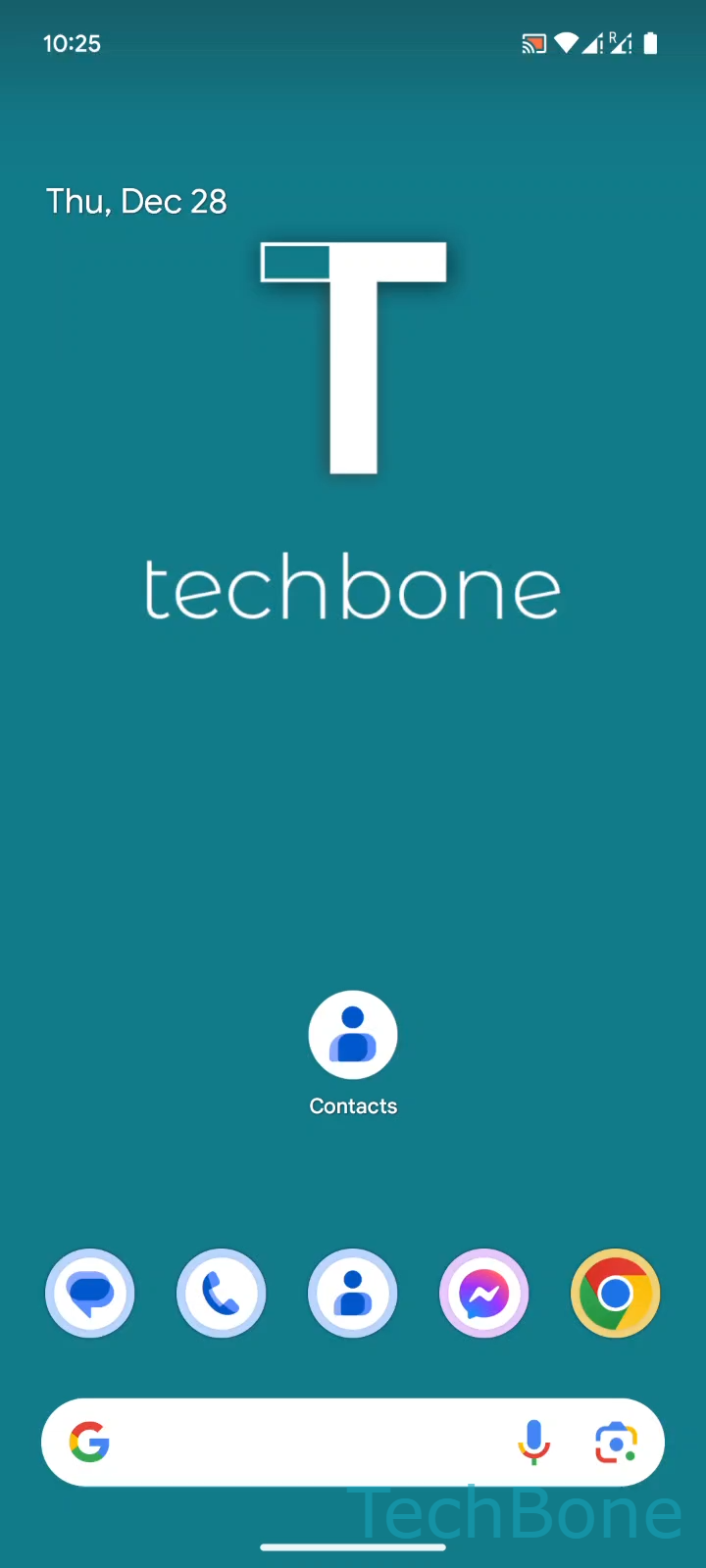
Tap on Contacts ➔ Tap on Add ➔ Enter the Name, the Phone number and other information and tap on Save
The Name field is required before Android lets you save the entry, while extra fields like email or company are optional. Enter the phone number including the country code if you plan to use the contact for messaging apps that check numbers internationally.
Once saved, the contact becomes available across your phone app, messaging app and any account that syncs with your device, provided contact sync is enabled for that account.
If you only need to save a number quickly, adding it straight from a recent call or a text message thread works the same way and reuses the number automatically.