

Android
Delete a Contact auf Android
A contact list fills up quickly once numbers get imported from messaging apps, email accounts, or manual entries. Duplicates and old numbers pile up unless you remove them by hand, since Android does not clean the list automatically.
Deleting a single entry works inside the built-in Contacts app. The option sits in a per-contact menu rather than a general settings screen, which is why it is easy to overlook.
Steps to delete a contact
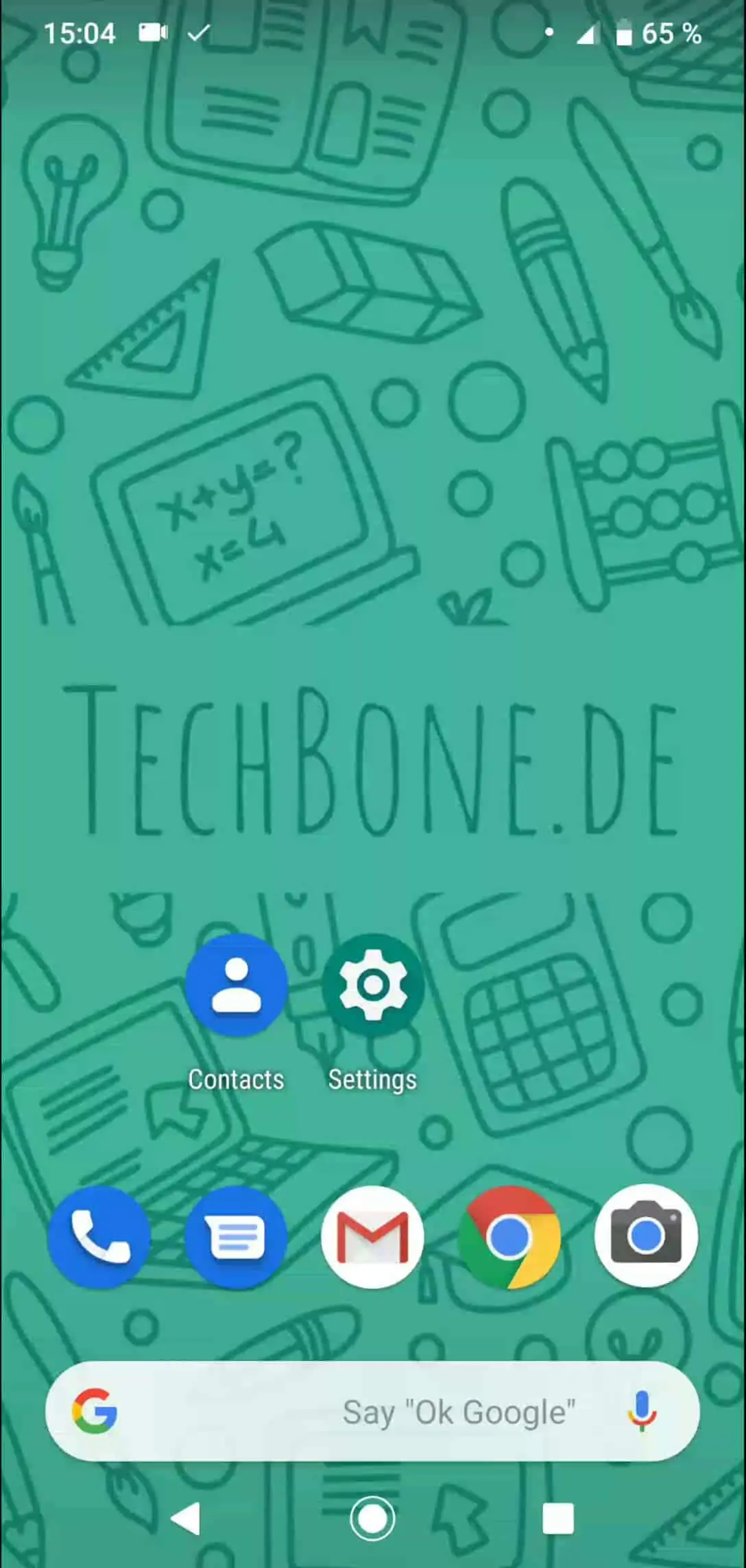
Tap on Contacts ➔ Tap on the contact you want to delete ➔ Open the menu ➔ Tap on Delete ➔ Confirm with Delete
If the contact was synced from a Google account or another linked service, deleting it on the device also removes it from that account once sync runs again. Local-only contacts, saved without an account, disappear for good and cannot be restored from the cloud.
On phones with a manufacturer-specific interface, the menu icon can appear as three dots or three lines, but the underlying steps stay the same. If a contact reappears after deletion, check whether it is still stored in a connected account or a messaging app that keeps its own address book.