Skip to content
TechBone
Android

Android: Turn Dial Pad Tones On or Off

Every digit you tap on the phone dialer plays a short tone, and on some phones that beep is loud enough to be annoying in meetings, at night, or around sleeping kids. This sound comes from a dedicated dial pad tone setting, separate from your ringtone or notification volume. Turning it off keeps the keypad silent while calls and other alerts still work as expected.

3 min3 steps
Version

Step by step

1 / 3

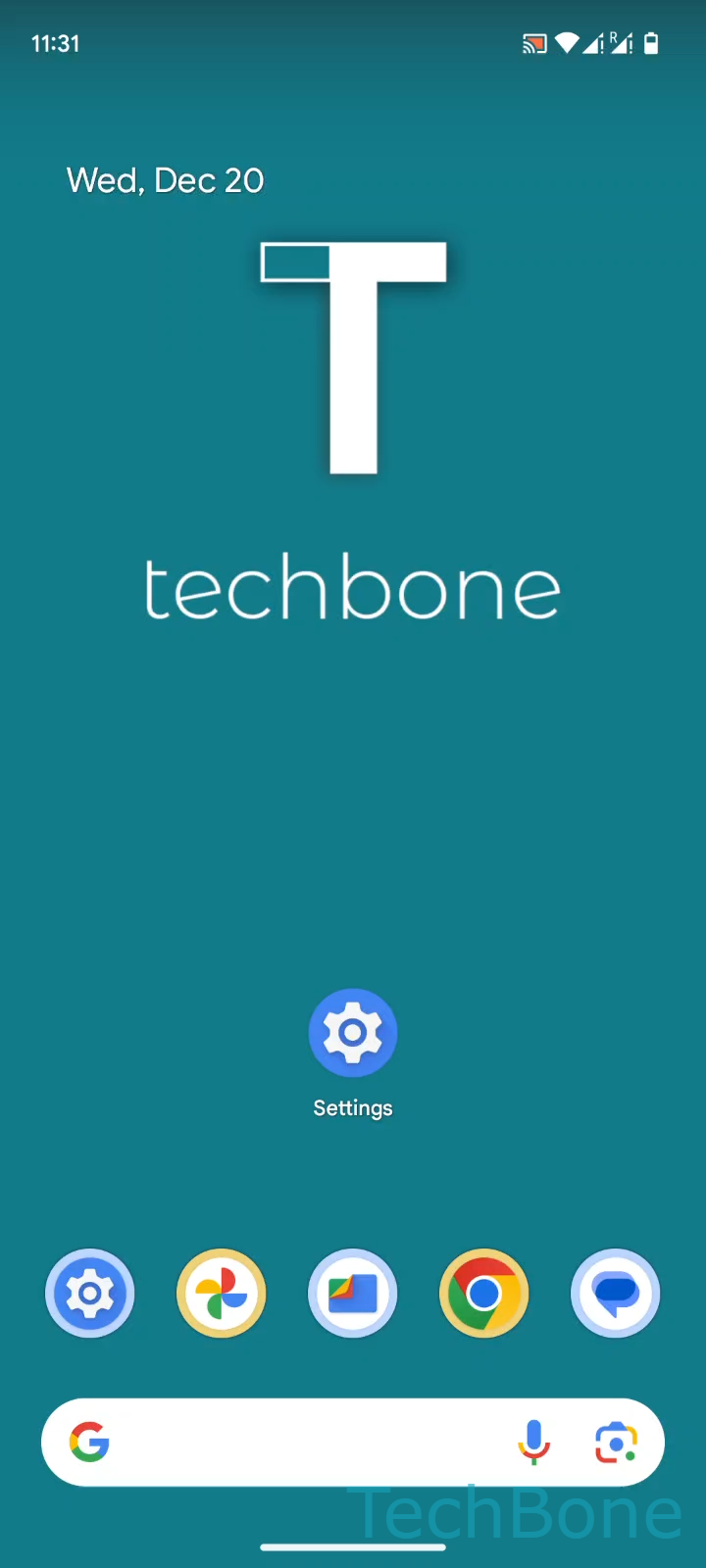
Step 1 of 3: Tap on **Settings**

1

Tap on Settings

Live simulator

Android 14 · Android 14
Turn Dial Pad Tones On or Off – Android 14: step 1 – Tap on Settings
Tap on Settings
1 / 3

Scroll or use the buttons for the next step

Feedback

Was the guide correct?

Help others: confirm the path or report a problem.

69

Confirmations

Forum verified this path

Android

Turn Dial Pad Tones On or Off auf Android

Dial pad tones are the short beeps your phone plays each time you tap a digit on the dialing keypad. They exist purely for audio feedback so you can confirm a key press without looking at the screen, which helps when dialing by feel or entering long numbers such as conference call codes.

This sound is controlled independently from your ringtone, notification sound, and media volume. Muting your phone or switching to silent mode does not always mute the dial pad, which is why the tones can still surprise you in a quiet room even with the ringer off.

To change this behavior, go to Tap on SettingsTap on Sound & vibrationEnable or disable Dial pad tones. Toggling this off removes only the keypad beep. Calls, ringtones, and notification sounds stay untouched.

If you actually want to silence calls or alerts and not just the dial pad, adjusting this setting will not help. In that case, use your phone's ringer volume or a focus/do not disturb mode instead, since dial pad tones and call audio are handled by separate controls.

Frequently asked questions

Silent or vibrate mode mutes ringtones and notifications but does not always affect dial pad tones, since they are a separate setting under Tap on SettingsTap on Sound & vibrationEnable or disable Dial pad tones. Disable that option directly if you want a fully silent keypad.