

Android
Export Contacts auf Android
Contacts stored only on your phone disappear the moment you reset the device, damage the SIM, or lose the handset. Exporting them creates a separate file you control, independent of your Google account or carrier.
On Android, the export function sits inside the Contacts app rather than the general system settings. This is why many users never find it, even though the feature has been part of the platform for years.
Where to find the export option
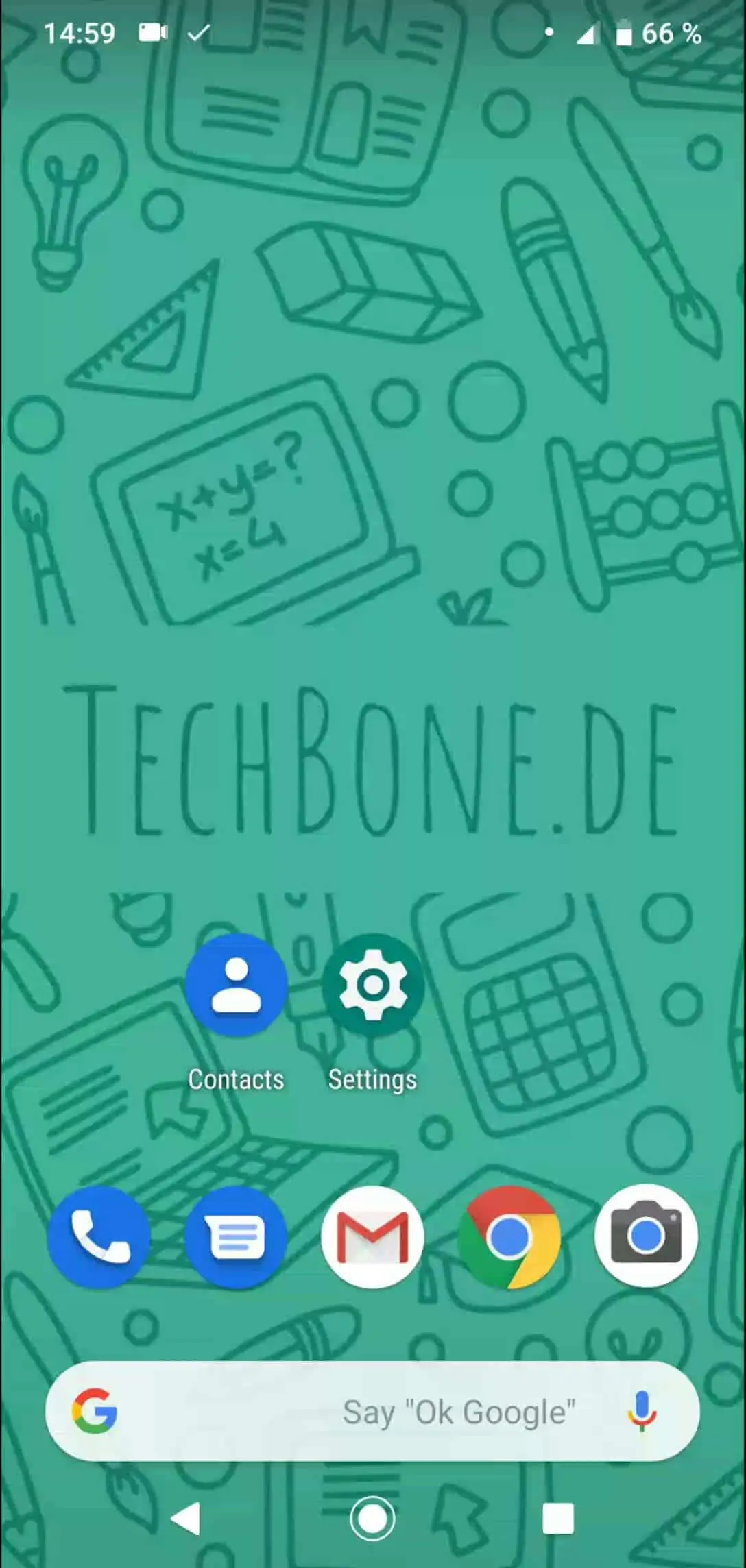
Follow this path: Open Contacts ➔ Open the menu ➔ Open the settings ➔ Tap on Export ➔ Confirm with Save.
The app then bundles your contact list into a single file, usually in .vcf format, and stores it on internal storage or your memory card, depending on what your device offers.
This exported file works as a portable backup. You can copy it to a computer, send it to yourself, or move it directly to another phone and import it there.
If your contacts already sync automatically through a Google account, a manual export is less urgent, since the cloud copy already protects you. Manual export still makes sense before a factory reset, a SIM swap, or when you keep contacts that are not linked to any account.
One side effect: exported files do not update automatically. Any contact you add after exporting will not appear in that saved file until you export again.