Skip to content
TechBone
Oppo

Oppo: Change Default Keyboard Language

If you type in two or three languages on the same Gboard keyboard, one of them always opens first no matter which app you are in. On Oppo phones this order comes from a language list that most people never touch, so the wrong language keeps showing up before you even start typing. Switching manually every time gets old fast once you notice the list itself controls what appears first.

6 min7 steps
Version

Step by step

1 / 7

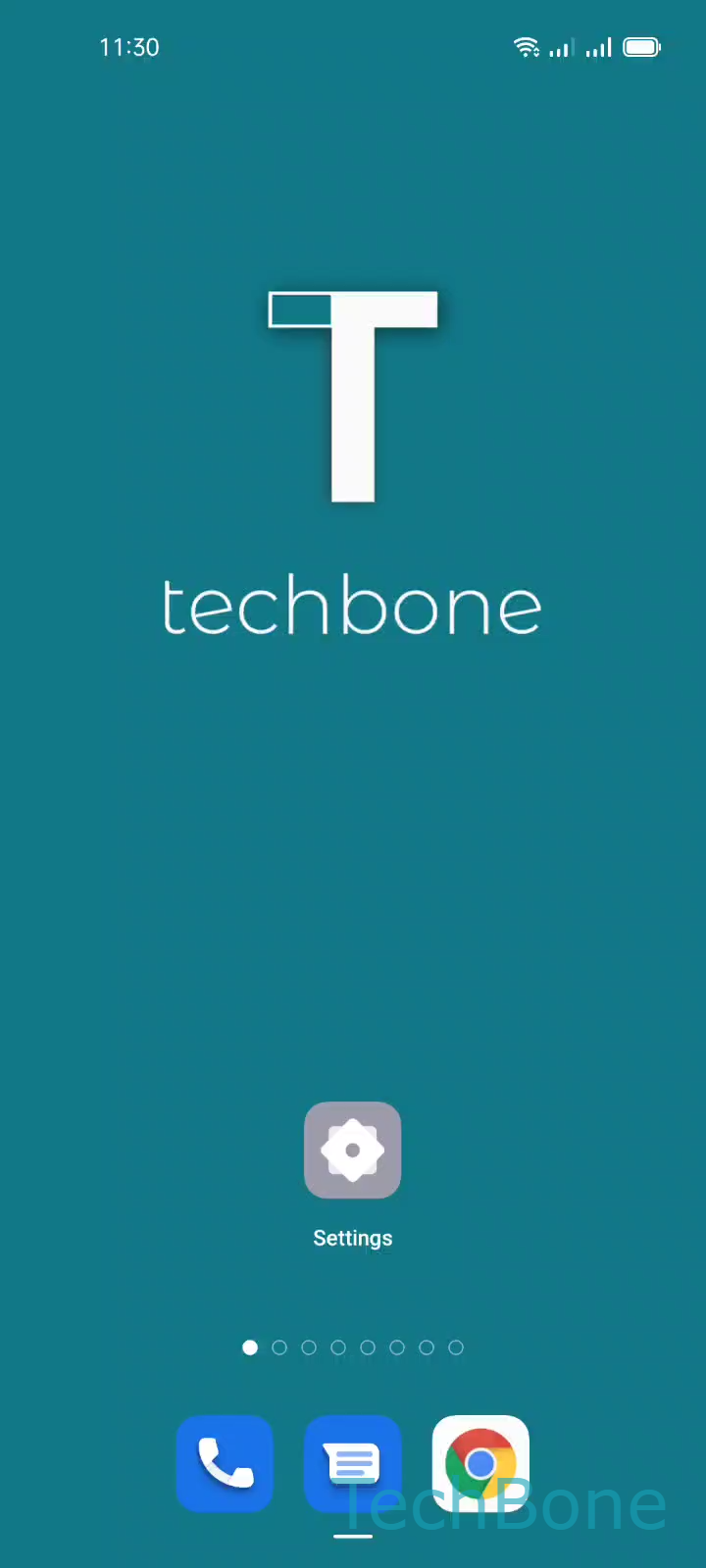
Step 1 of 7: Tap on **Settings**

1

Tap on Settings

Live simulator

Android 11 · Coloros 11
Set Default Keyboard Language – Coloros 11: step 1 – Tap on Settings
Tap on Settings
1 / 7

Scroll or use the buttons for the next step

Feedback

Was the guide correct?

Help others: confirm the path or report a problem.

41

Confirmations

Forum verified this path

Oppo

Set Default Keyboard Language auf Oppo

On Oppo phones running ColorOS, Gboard always opens with whichever language sits at the top of your keyboard language list. This has nothing to do with the app you are using or the language you typed last. The order is fixed in the keyboard settings, so if English is on top, English shows up first even after a full restart.

This becomes a problem once you regularly switch between two or three input languages. You end up tapping the language key every single time just to get back to the one you actually need most often.

To change which language opens first, go to Tap on SettingsTap on Additional settingsTap on Keyboard & input methodTap on GboardTap on LanguagesTap on EditDrag a Keyboard language to the first position.

Once the language you want is dragged to the top, Gboard opens with it by default in every app. You can still switch to your other installed languages with the usual language key on the keyboard, but you no longer start from the wrong one each time.

Frequently asked questions

No. Reordering with Tap on Edit only changes which language opens first. Every language you added under Tap on Languages stays installed and reachable with the language key.