Skip to content
TechBone
Oppo

Oppo: Clear App Data to Reset an App

If an app on your Oppo phone keeps glitching, shows an outdated login, or wont sync even after a restart, clearing the cache alone often wont fix it. App data stores settings, saved files, login sessions and progress, so removing it resets the app to its original, freshly-installed state. That solves stubborn app bugs, but it also means everything the app saved locally is gone.

6 min7 steps
Version

Step by step

1 / 7

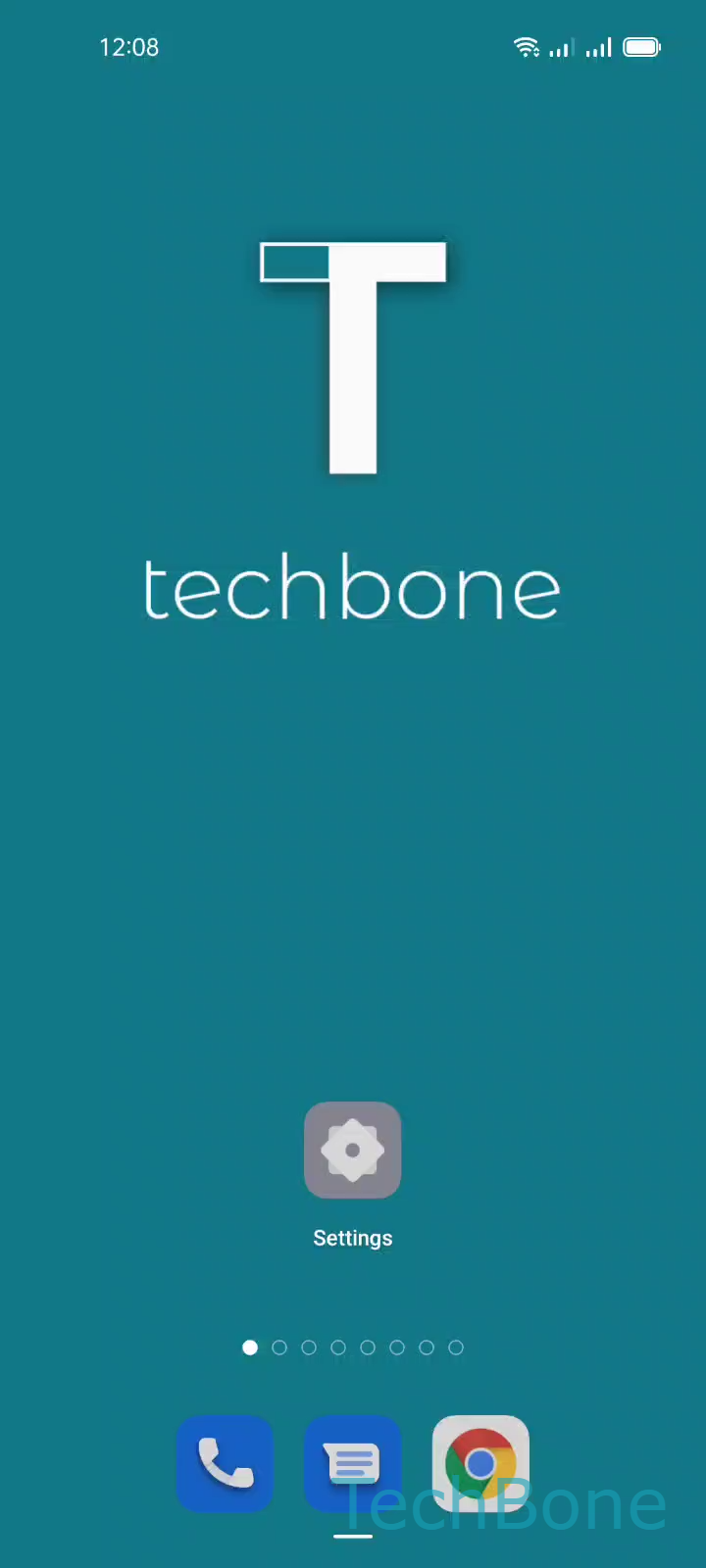
Step 1 of 7: Tap on **Settings**

1

Tap on Settings

Live simulator

Android 11 · Coloros 11
Clear App Data to Reset an App – Coloros 11: step 1 – Tap on Settings
Tap on Settings
1 / 7

Scroll or use the buttons for the next step

Feedback

Was the guide correct?

Help others: confirm the path or report a problem.

81

Confirmations

Forum verified this path

Oppo

Clear App Data to Reset an App auf Oppo

App data on Oppo phones covers everything an app needs to keep working the way you left it: saved logins, local files, downloaded content, game progress and custom settings.

Clearing app data is not the same as clearing the cache. Cache only holds temporary files the app rebuilds on its own. Clearing app data resets the app to its first-launch state, as if you had just installed it.

Use this fix when an app crashes repeatedly, fails to load content, or behaves oddly after an update and clearing the cache alone did not help. Any data stored only inside the app, without cloud backup, is lost for good.

To clear app data on Coloros, go to Tap on SettingsTap on App managementTap on App listChoose an AppTap on Storage usageTap on Clear dataTap on OK.

After confirming, the app restarts empty. You need to log in again and set up any preferences from scratch.

If you only want to free up storage without losing your settings, clear the cache instead of the app data.

Frequently asked questions

Cache holds temporary files the app rebuilds automatically, while app data includes logins, settings and saved content. Clearing app data resets the app fully, similar to a fresh install.