Skip to content
TechBone
Oppo

Oppo: Set Up Emergency Information for First Responders

If you collapse or end up in an accident, paramedics often can't unlock your phone to check your blood type, allergies, or medications. Oppo lets you store that medical profile so it shows up during an SOS call, no passcode needed. Without filling it in, first responders only see your name and photo, not the details that actually matter in an emergency.

3 min4 steps
VersionAndroid 11 · Coloros 11

Step by step

1 / 4

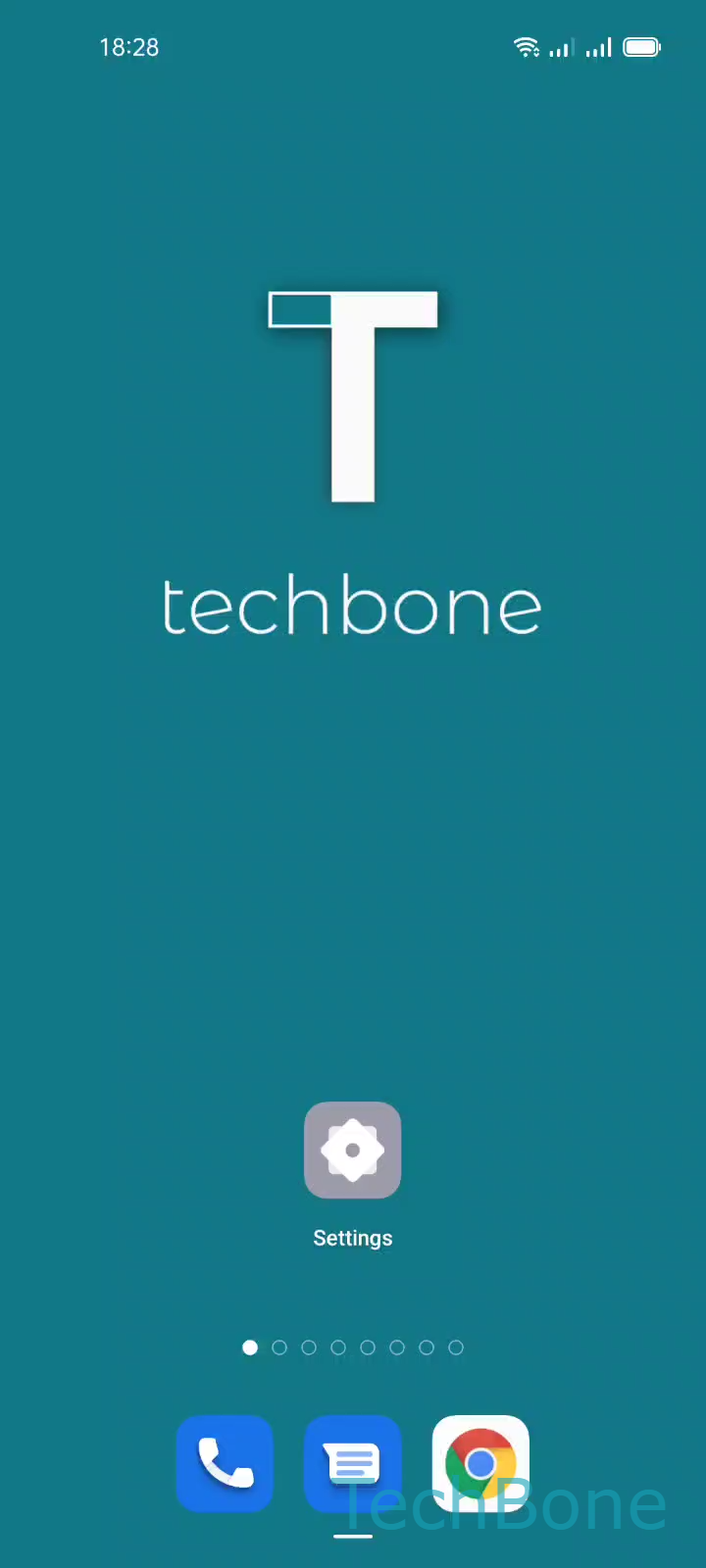
Step 1 of 4: Tap on **Settings**

1

Tap on Settings

Live simulator

Android 11 · Coloros 11
Add Emergency Information – Coloros 11: step 1 – Tap on Settings
Tap on Settings
1 / 4

Scroll or use the buttons for the next step

Feedback

Was the guide correct?

Help others: confirm the path or report a problem.

72

Confirmations

Forum verified this path

Oppo

Add Emergency Information auf Oppo

Coloros keeps your medical profile stored locally on the phone, separate from any cloud backup. During an SOS call or from the lock screen, this data becomes visible to whoever is helping you, without requiring your PIN or fingerprint.

Where to enter the data

Open SettingsSecurityEmergency SOSEmergency information. On this screen you can fill in your name, sex, blood type, birth year, medical conditions, medications, and allergies.

You don't have to complete every field. Leaving blood type or allergies blank simply means that field stays hidden from responders, it won't block the rest of the profile from showing.

This is different from adding emergency contacts, which are people the phone can call or notify directly. Emergency information is read-only medical data meant for someone standing over you with your phone in hand.

If you take strong medication or have a condition like diabetes or epilepsy, filling this in takes less than two minutes and can change how fast you get the right treatment.

Frequently asked questions

Yes. Once saved under SettingsSecurityEmergency SOSEmergency information, the profile is reachable from the lock screen during an emergency call, without entering your PIN or fingerprint.