Skip to content
TechBone
Oppo

Oppo: Turn Google Voice Typing On or Off

If a microphone icon keeps showing up on your Oppo keyboard even though you never asked for voice input, Google voice typing is active by default under ColorOS. It sits inside the keyboard settings alongside your regular input method, so many users only notice it once they tap it by accident. You can switch it off there, or turn it back on if speech input disappeared after an update.

4 min5 steps
Version

Step by step

1 / 5

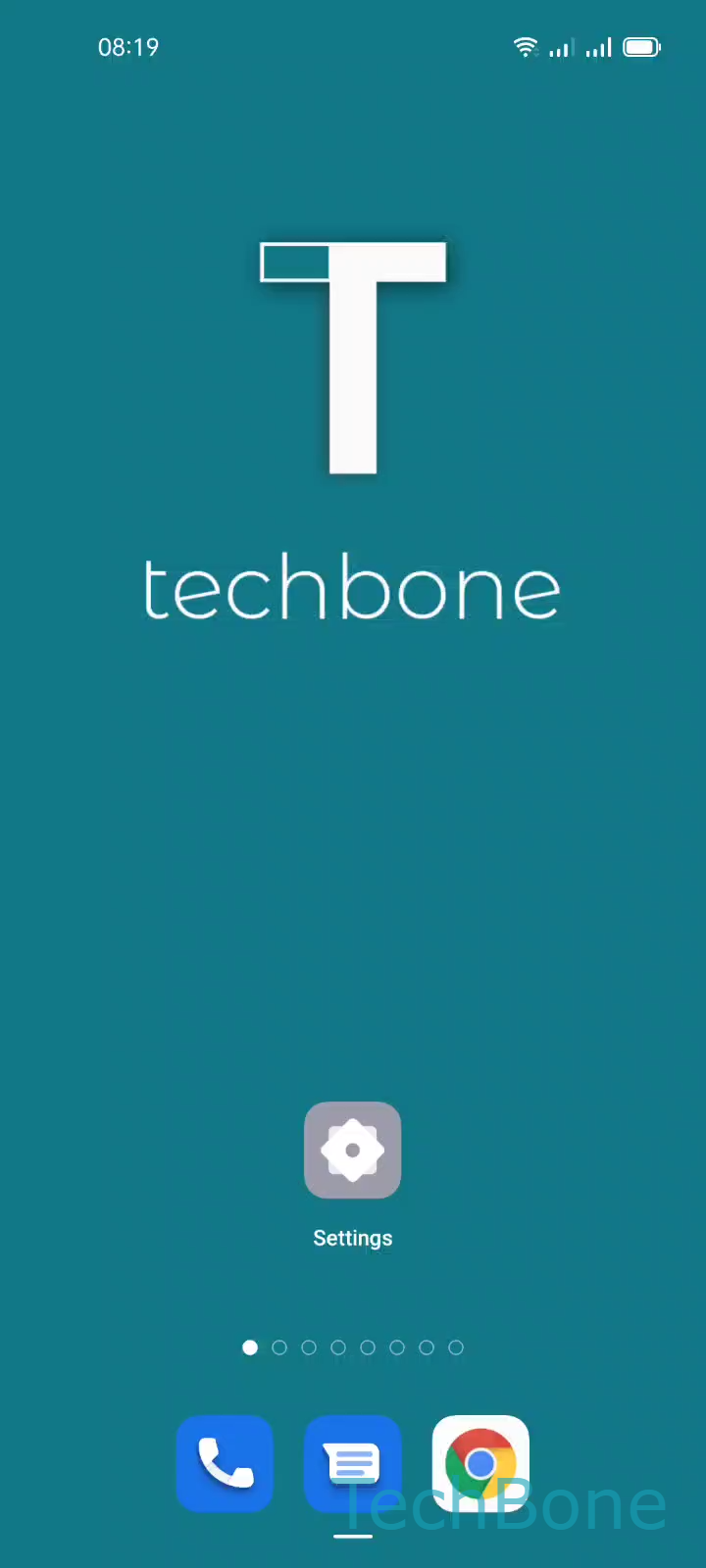
Step 1 of 5: Tap on **Settings**

1

Tap on Settings

Live simulator

Android 11 · Coloros 11
Turn Google Voice Typing On or Off – Coloros 11: step 1 – Tap on Settings
Tap on Settings
1 / 5

Scroll or use the buttons for the next step

Feedback

Was the guide correct?

Help others: confirm the path or report a problem.

35

Confirmations

Forum verified this path

Oppo

Turn Google Voice Typing On or Off auf Oppo

On Oppo phones running ColorOS, Google voice typing ships enabled as a second input method next to your keyboard app. It adds the microphone icon you see on the keyboard bar and lets you dictate text instead of typing it.

Some users never use dictation and prefer a cleaner keyboard bar, or they worry about background microphone access. In that case, disabling the input method removes the icon and stops the service from listening for speech commands.

To manage it, go to Tap on SettingsTap on Additional settingsTap on Keyboard & input methodTap on Manage keyboardsEnable or disable Google voice typing.

This toggle only controls the voice typing input method itself. It does not uninstall the underlying Google app or affect Google Assistant voice commands, which run through a separate service.

If dictation stops working after a system update, the same menu is the first place to check, since updates sometimes reset input method preferences.

Frequently asked questions

No. Google voice typing only handles dictation inside text fields through the keyboard. Google Assistant runs as a separate service and keeps working even after you disable this input method in Tap on Manage keyboards.