
Oppo
Install an App from the Google Play Store auf Oppo
Installing apps through the Google Play Store on an Oppo phone running ColorOS needs an active Google Account. Without one, the store still opens, but search results stay limited and the install button can appear inactive.
Where the install controls sit
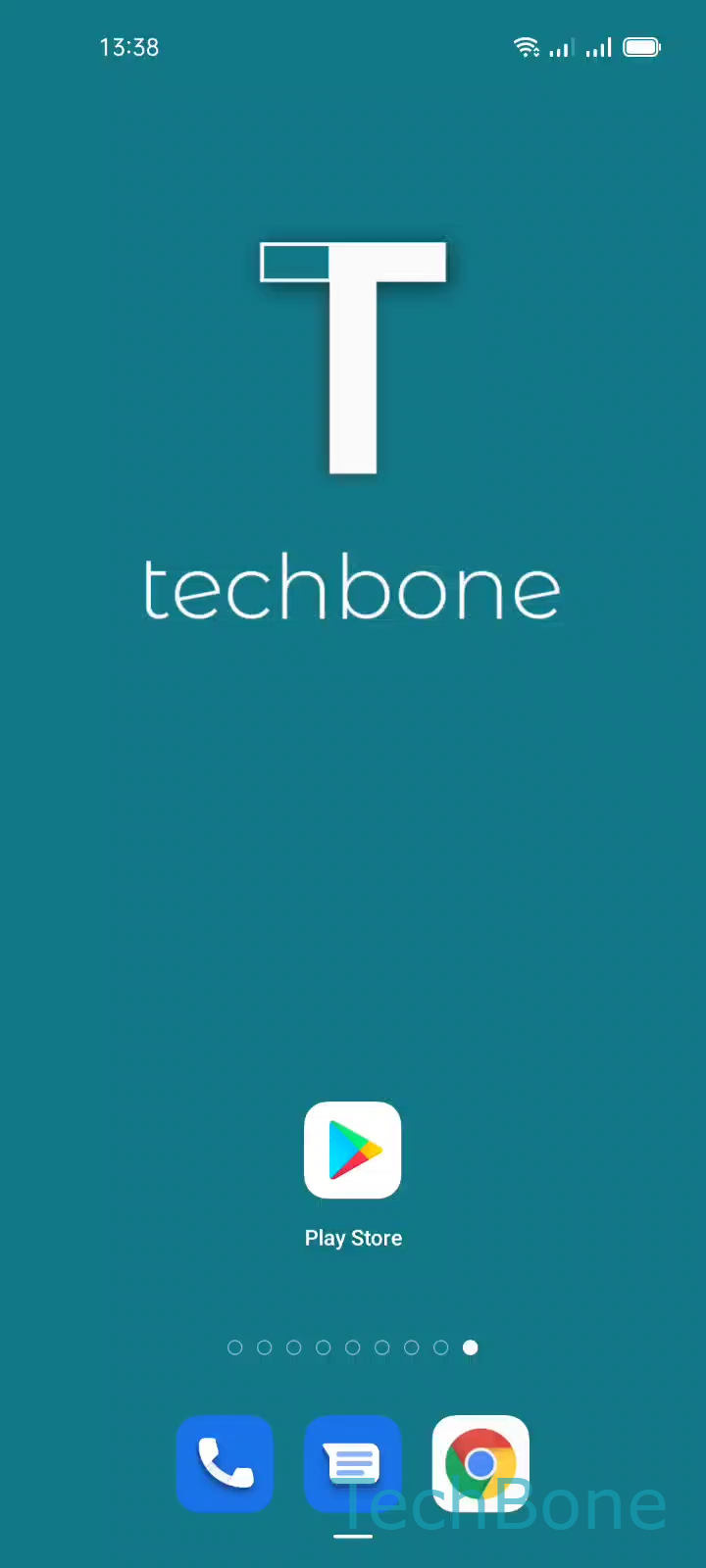
Open the store by tapping Play Store on your home screen or app drawer. Use Tap the Search bar to bring up the keyboard, then Enter a Name and choose a Suggested app from the list that appears while typing.
Once the app page loads, Tap on Install starts the download and installation automatically. No further confirmation is needed unless the app requests specific permissions on first launch.
When this does not work
If the button stays greyed out, check whether your Google Account is signed in under system accounts rather than assuming a store problem. A missing account is the most common reason installs fail on ColorOS, not a broken Play Store app.
Apps installed this way go through Google Play Protect scanning, which is why they behave differently from APKs loaded from unknown sources. That extra check adds a moment before the install starts but keeps the source verified.