Skip to content
TechBone
Oppo

Oppo: Set Up Screen Lock with Pattern, PIN or Password

If your Oppo phone still opens with a simple swipe, anyone who picks it up can read your messages, photos and banking apps without entering a code. ColorOS keeps the pattern, PIN and password options tucked inside a security menu that many people never open, so the phone stays unprotected by default. Without this lock active, features like remote find-and-wipe also lose part of their effectiveness.

4 min5 steps
Version

Step by step

1 / 5

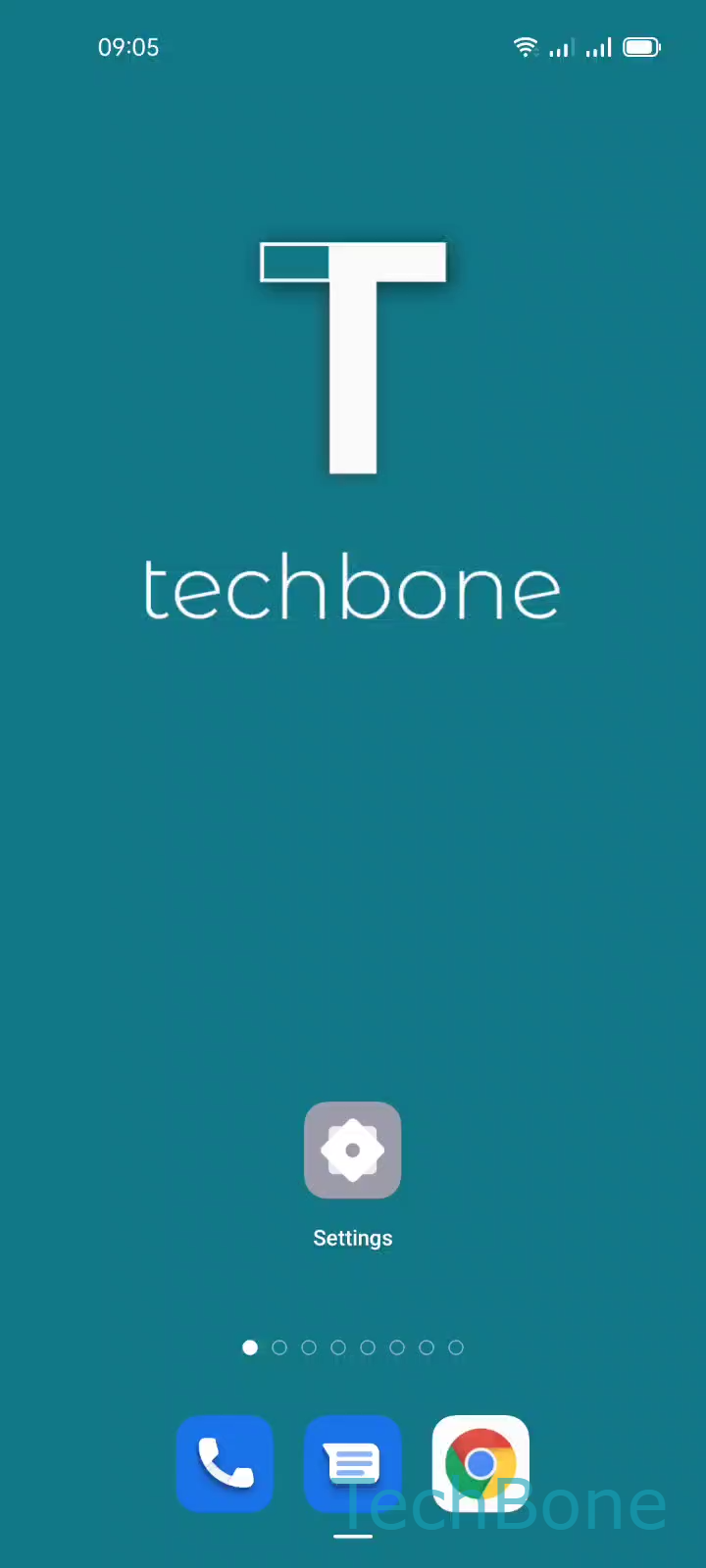
Step 1 of 5: Tap on **Settings**

1

Tap on Settings

Live simulator

Android 11 · Coloros 11
Set a Screen Lock with Pattern, PIN or Password – Coloros 11: step 1 – Tap on Settings
Tap on Settings
1 / 5

Scroll or use the buttons for the next step

Feedback

Was the guide correct?

Help others: confirm the path or report a problem.

103

Confirmations

Forum verified this path

Oppo

Set a Screen Lock with Pattern, PIN or Password auf Oppo

An Oppo phone without an active screen lock lets anyone who picks it up reach your apps, photos and stored data directly. ColorOS groups all lock methods under one security menu instead of showing them on the main settings page, which is why many users never set one up.

To activate it, go to Tap on SettingsTap on Password & biometricsTap on Set Lock screen passwordTap on Continue ➤ choose an option and follow the on-screen instructions.

You can pick between a pattern, a numeric PIN or an alphanumeric password, depending on how much protection you need. A pattern is fast to draw but easier to guess by watching your finger movements, while a PIN or password gives stronger protection for banking and payment apps.

Setting a lock screen also enables other security layers, such as app locks and remote device tracking, which usually require an active screen lock to work fully. Skip this step only on a shared or test device where convenience matters more than privacy.

Frequently asked questions

After several failed attempts, ColorOS shows an option to reset it using your Oppo account or a linked Google account. Without account access, a factory reset is usually the only way back in, which erases local data.