Skip to content
TechBone
Realme

Realme: Schedule Dark Mode Automatically

If dark mode stays active all day or switches on too late in the evening, the automatic schedule on your Realme is either off or set to the wrong trigger. Realme UI can toggle dark mode by sunset and sunrise or by a fixed time window, but many users never find the Auto switch option. Without it, you are stuck flipping the toggle manually every morning and evening.

4 min5 steps
VersionAndroid 11 · Realme UI 2

Step by step

1 / 5

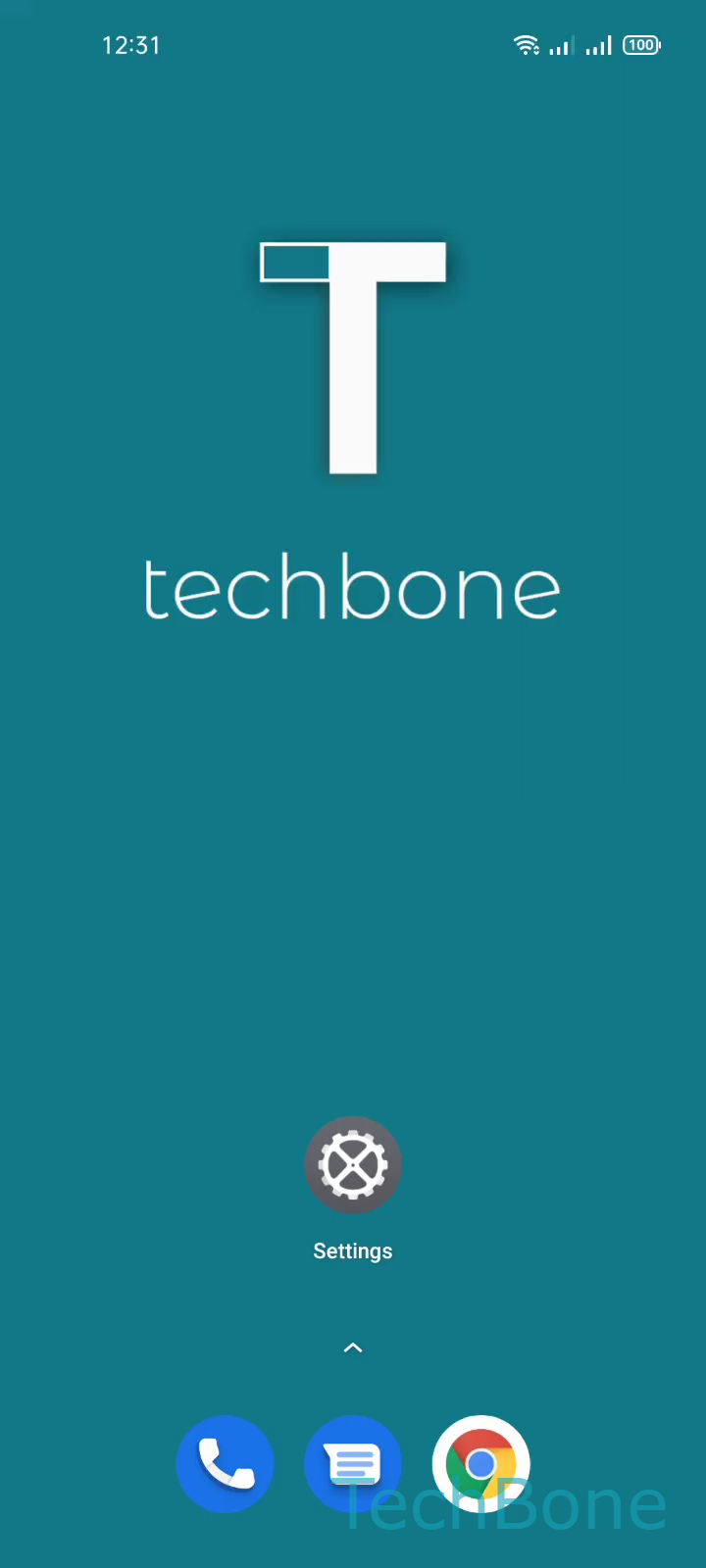
Step 1 of 5: Tap on **Settings**

1

Tap on Settings

Live simulator

Android 11 · Realme UI 2
Schedule Dark Mode – Realme UI 2: step 1 – Tap on Settings
Tap on Settings
1 / 5

Scroll or use the buttons for the next step

Feedback

Was the guide correct?

Help others: confirm the path or report a problem.

59

Confirmations

Forum verified this path

Realme

Schedule Dark Mode auf Realme

Dark mode on Realme phones changes system menus, the home screen and every compatible app to reduce glare in low light. Turning it on manually works, but it means remembering to switch it back off every morning.

Realme UI includes an automatic schedule that removes that step entirely. It sits inside the same menu as the manual toggle, under the display settings.

To set it up, tap on SettingsDisplay & brightnessAuto switch. From there, choose Sunset to sunrise or CustomSet the Start/End time and tap on Save.

Sunset to sunrise vs. Custom

Sunset to sunrise uses your phone location to calculate local daylight hours, so the switch shifts slightly with the seasons. Custom locks in a fixed start and end time, which is more predictable if you keep regular hours regardless of daylight.

If dark mode still does not switch as expected after setup, check that location access is enabled for the sunset-to-sunrise option, since the calculation depends on it. A battery saver mode that forces dark mode system-wide can also override your schedule until it is disabled.

Frequently asked questions

This usually happens when location access is disabled and you have Sunset to sunrise selected, since the phone cannot calculate local daylight hours without it. Switch to Custom with a fixed time or re-enable location access.