Skip to content
TechBone
Samsung

Samsung: Turn On Auto Answer for Calls

When your Samsung phone is paired with a Bluetooth headset, car kit, or hands-free device, incoming calls should connect the instant you accept them through the accessory. If Answer automatically stays off, you still have to tap the screen manually, which is awkward while driving or wearing a wired headset. The same setting also controls how many seconds pass before the call picks up on its own.

4 min5 steps
Version

Step by step

1 / 5

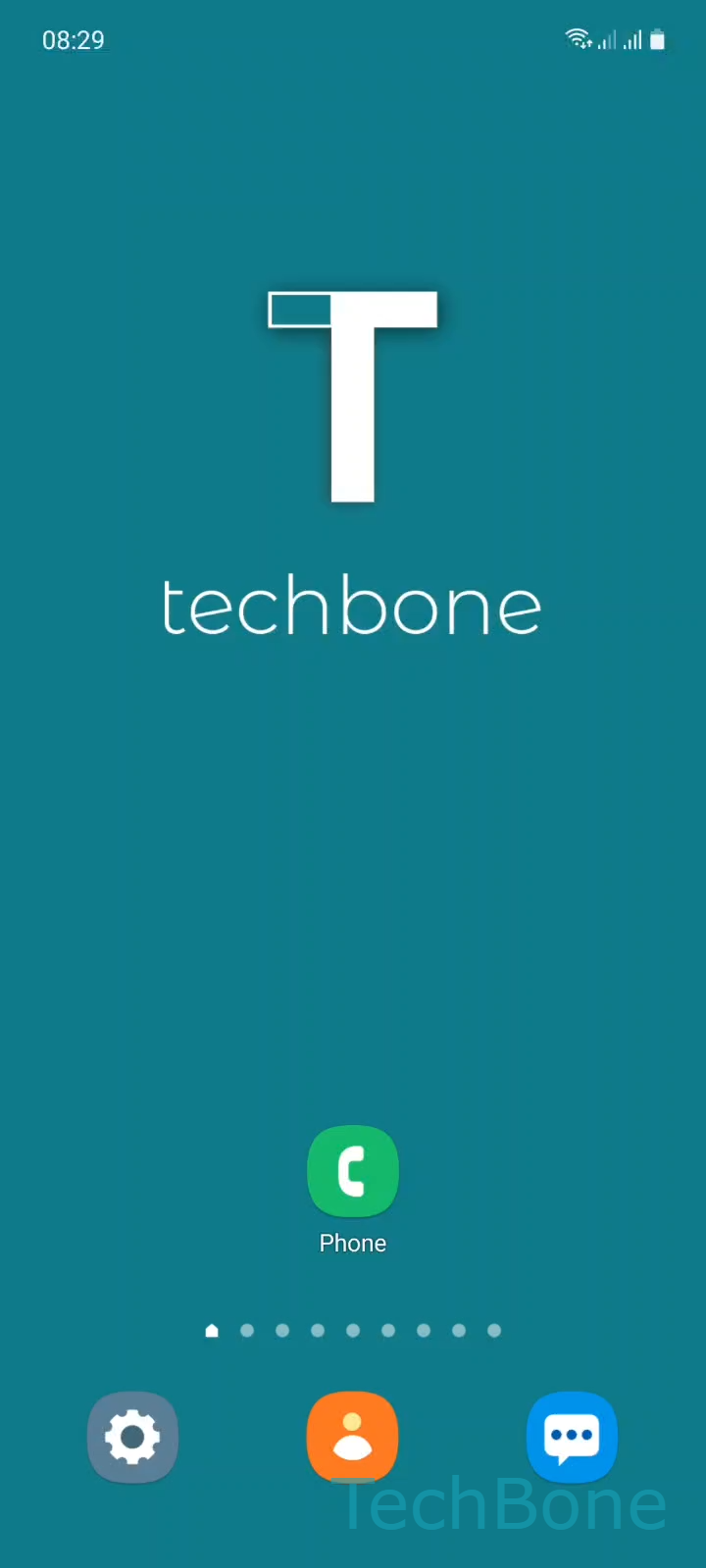
Step 1 of 5: Tap on **Phone**

1

Tap on Phone

Live simulator

Android 11 · One UI 3
Answer Calls Automatically – One UI 3: step 1 – Tap on Phone
Tap on Phone
1 / 5

Scroll or use the buttons for the next step

Feedback

Was the guide correct?

Help others: confirm the path or report a problem.

102

Confirmations

Forum verified this path

Samsung

Answer Calls Automatically auf Samsung

Auto answer relies on the phone detecting an active Bluetooth or wired hands-free connection. Without that connection, Samsung keeps the toggle hidden or inactive, because the system assumes you want to accept calls from the screen.

Once a headset, car kit, or Bluetooth speaker is paired, open PhoneOpen the MenuSettingsAnswering and ending calls and enable Answer automatically. The same screen lets you set the delay before the call connects, usually a few seconds, giving you time to reach the phone or adjust the headset before the caller hears you.

A very short delay can pick up the call before you are ready, letting background noise through. A longer delay defeats the purpose of hands-free answering, since the caller may hang up first. If you switch between several accessories, test the delay with each one, because microphone placement affects how fast you need to respond.

Turn the option off again if you share the device or switch frequently between manual and hands-free use, since automatic answering also reacts to accidental button presses or motion-triggered connections.

Frequently asked questions

The option stays inactive until a Bluetooth or wired headset is connected. Pair a device first, then check PhoneOpen the MenuSettingsAnswering and ending calls again.

Compatible devices

Tap your device — opens its hub with matching guides.

Android 11 · One UI 3

No compatible devices are listed for this version.