Skip to content
TechBone
Samsung

Samsung: Change the Lock Screen Clock Style

If the lock screen clock always shows the same digital format and you want a different layout, color or extra details like seconds and date, the option is buried inside the lock screen settings rather than the display menu. Some phones also show a grayed-out clock style option when Roaming Clock is active, which stops you from customizing anything until it's turned off.

4 min5 steps
Version

Step by step

1 / 5

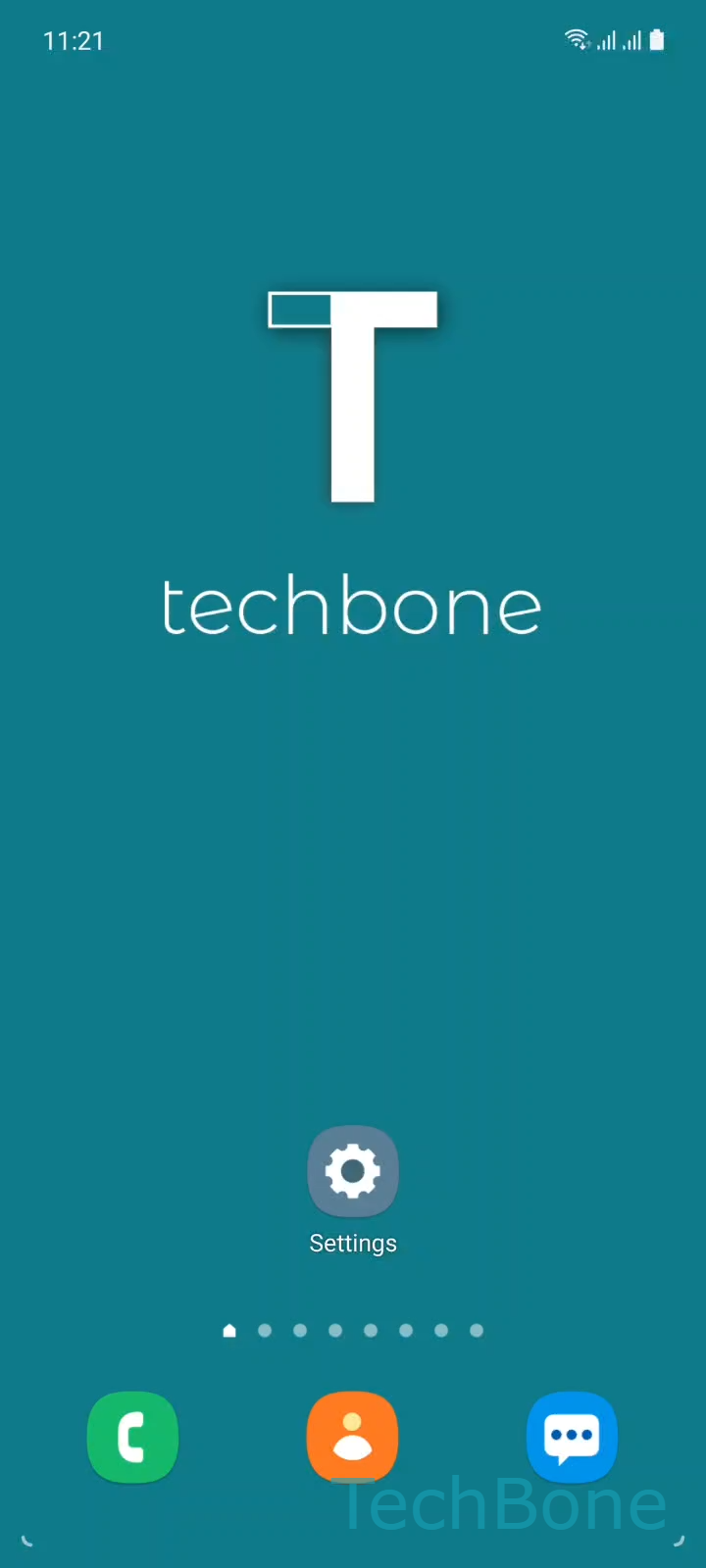
Step 1 of 5: Tap on **Settings**

1

Tap on Settings

Live simulator

Android 11 · One UI 3
Change Clock Style on Lock Screen – One UI 3: step 1 – Tap on Settings
Tap on Settings
1 / 5

Scroll or use the buttons for the next step

Feedback

Was the guide correct?

Help others: confirm the path or report a problem.

76

Confirmations

Forum verified this path

Samsung

Change Clock Style on Lock Screen auf Samsung

The lock screen clock on Samsung phones is controlled separately from the display and wallpaper settings, which is why many users search the wrong menu first.

To change it, go to Tap on SettingsTap on Lock screenTap on Clock style. From there you can pick between digital and analog layouts, decide whether to show seconds or the date, and adjust the color to match your wallpaper.

After selecting the look you want, confirm with Set the Clock style and change the ColorTap on Done to apply it to the lock screen immediately.

One detail trips up a lot of users: if Roaming Clock is turned on, the phone assumes you need a fixed clock format while traveling, and the style options become locked or limited. Turning off Roaming Clock in the same lock screen settings restores full control over the clock style and color.

This setting only affects the lock screen, not the always-on display or home screen widgets, so changes made here won't show up until the phone is locked.

Frequently asked questions

This usually happens when Roaming Clock is enabled. Disable it in the same Lock screen settings menu to unlock the full range of clock styles and colors again.

Compatible devices

Tap your device — opens its hub with matching guides.

Android 11 · One UI 3

No compatible devices are listed for this version.