Skip to content
TechBone
Samsung

Samsung: Turn On or Off Dark Mode

If your screen stays glaring white at night or your AMOLED display drains the battery faster than expected, Dark Mode is probably switched off. Samsung lets you enable it manually or have it follow a daily schedule automatically. Knowing exactly where this toggle sits in Display settings saves you from hunting through menus every evening.

3 min3 steps
Version

Step by step

1 / 3

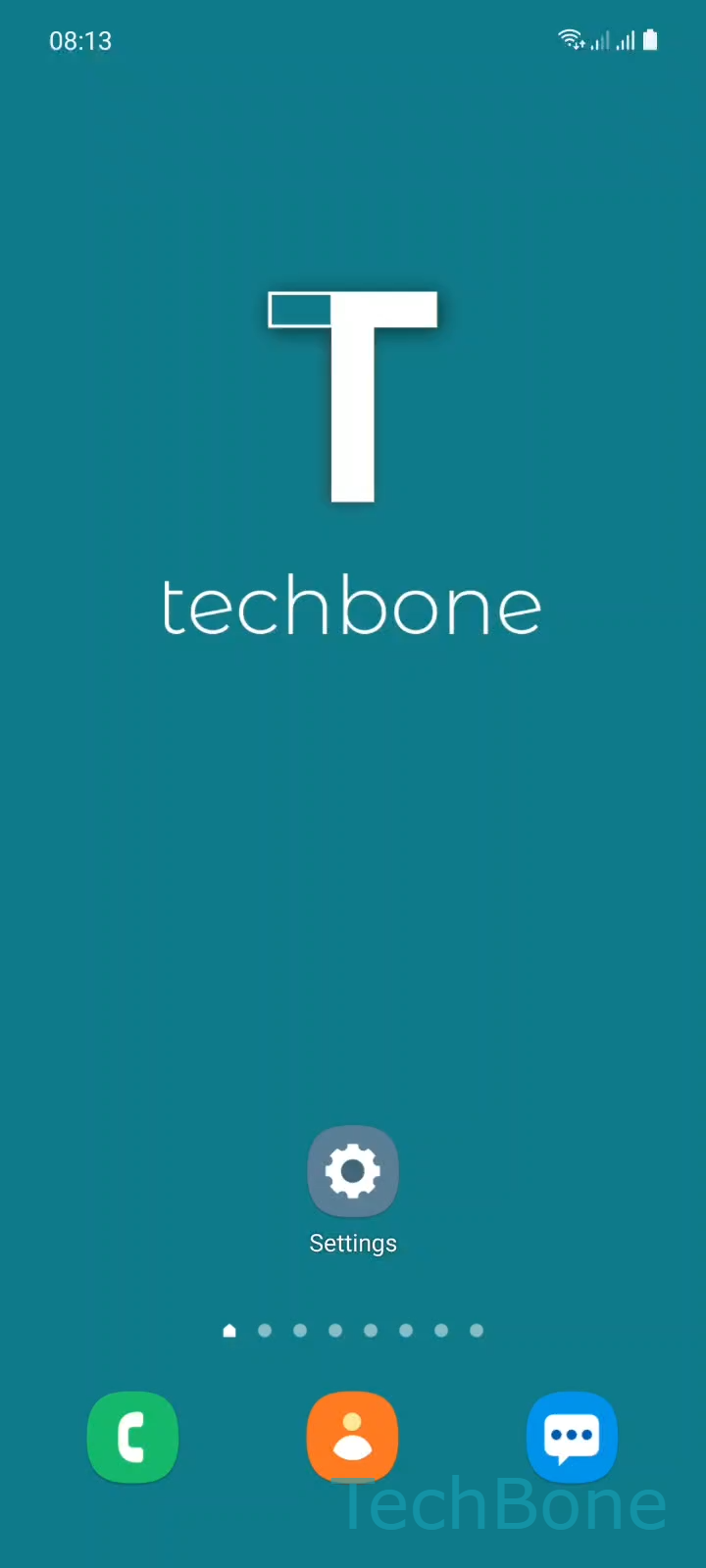
Step 1 of 3: Tap on **Settings**

1

Tap on Settings

Live simulator

Android 11 · One UI 3
Turn On/Off Dark Mode – One UI 3: step 1 – Tap on Settings
Tap on Settings
1 / 3

Scroll or use the buttons for the next step

Feedback

Was the guide correct?

Help others: confirm the path or report a problem.

47

Confirmations

Forum verified this path

Samsung

Turn On/Off Dark Mode auf Samsung

Dark Mode replaces the bright white system background with a dark one across the interface, home screen, and most native apps. On Samsung phones with an AMOLED display, this can noticeably reduce power draw because dark pixels use less energy than light ones.

The setting lives inside the Display menu, separate from Blue light filter or adaptive brightness. If your screen still looks too warm or too dim after enabling Dark Mode, the issue is likely one of those other settings, not Dark Mode itself.

To switch it on or off: go to SettingsDisplay ➔ choose Light or Dark.

You can also set Dark Mode to switch automatically at sunset or during custom hours from the same screen, so you do not have to toggle it by hand every day.

Some third-party apps ignore the system setting and keep their own light interface regardless of what you choose here. That is a limitation of the individual app, not of the Samsung setting.

Frequently asked questions

Only if you set a schedule. Open SettingsDisplay and enable the automatic option to switch between Light and Dark at sunset or at custom times.

Compatible devices

Tap your device — opens its hub with matching guides.

Android 11 · One UI 3

No compatible devices are listed for this version.