Skip to content
TechBone
Samsung

Samsung: Delete Single or Multiple Contacts

Deleted contacts sometimes come back or disappear for good, depending on your Samsung software version. On newer Android releases with One UI, removed contacts sit in a trash bin for 30 days before they are gone permanently, while older Android 9 devices delete contacts right away, even if they were saved to your Samsung or Google account.

4 min5 steps
Version

Step by step

1 / 5

Step 1 of 5: Tap on **Contacts**

1

Tap on Contacts

Live simulator

Android 11 · One UI 3
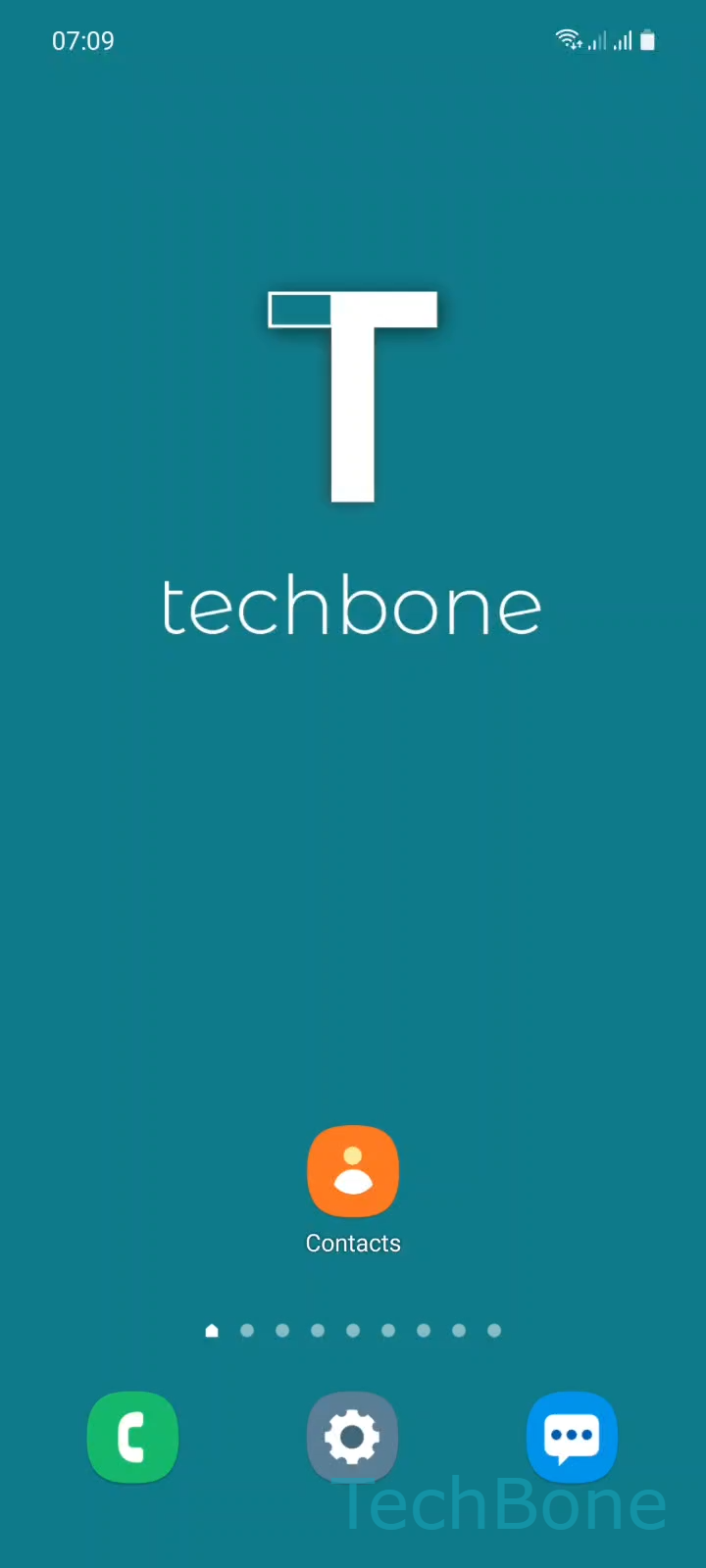
Delete Single or Multiple Contacts – One UI 3: step 1 – Tap on Contacts
Tap on Contacts
1 / 5

Scroll or use the buttons for the next step

Feedback

Was the guide correct?

Help others: confirm the path or report a problem.

58

Confirmations

Forum verified this path

Samsung

Delete Single or Multiple Contacts auf Samsung

Deleting a contact on a Samsung phone behaves differently depending on your software version. Newer Android releases running Samsung One UI move removed contacts into a trash bin, keeping them recoverable for 30 days before they are erased for good. Older Android 9 devices skip this safety net entirely: a deleted contact is gone immediately, even if it was originally saved to your Samsung account or synced from your Google account.

This matters when you delete a contact by mistake or clean up your address book in bulk. On devices with the trash bin, you get a short window to undo the deletion. On Android 9, there is no undo, so double-check your selection before confirming.

How to delete a contact

Open the Contacts app and use this path:

Tap on ContactsTap and hold a ContactIf desired, select more ContactsTap on DeleteTap on Move to Trash

Holding down one contact lets you tap additional entries to select several at once before deleting them together. If your device does not show a trash bin step, the contact is removed immediately after confirming the deletion.

Frequently asked questions

On devices with a trash bin, yes. Open the trash within 30 days and restore the contact before it is permanently removed. On Android 9 devices without a trash bin, deletion is final and cannot be undone.

Compatible devices

Tap your device — opens its hub with matching guides.

Android 11 · One UI 3

No compatible devices are listed for this version.