Skip to content
TechBone
Samsung

Samsung: Add Emergency Contacts for Calls and SOS Alerts

If your phone is locked during an emergency, nobody can reach the people you trust unless they are saved as emergency contacts. Samsung ties this list to your Contacts profile, not to your regular address book, so numbers you already have saved will not show up on their own. Without this setup, SOS messages and lock-screen emergency calls have nobody to go to.

6 min7 steps
Version

Step by step

1 / 7

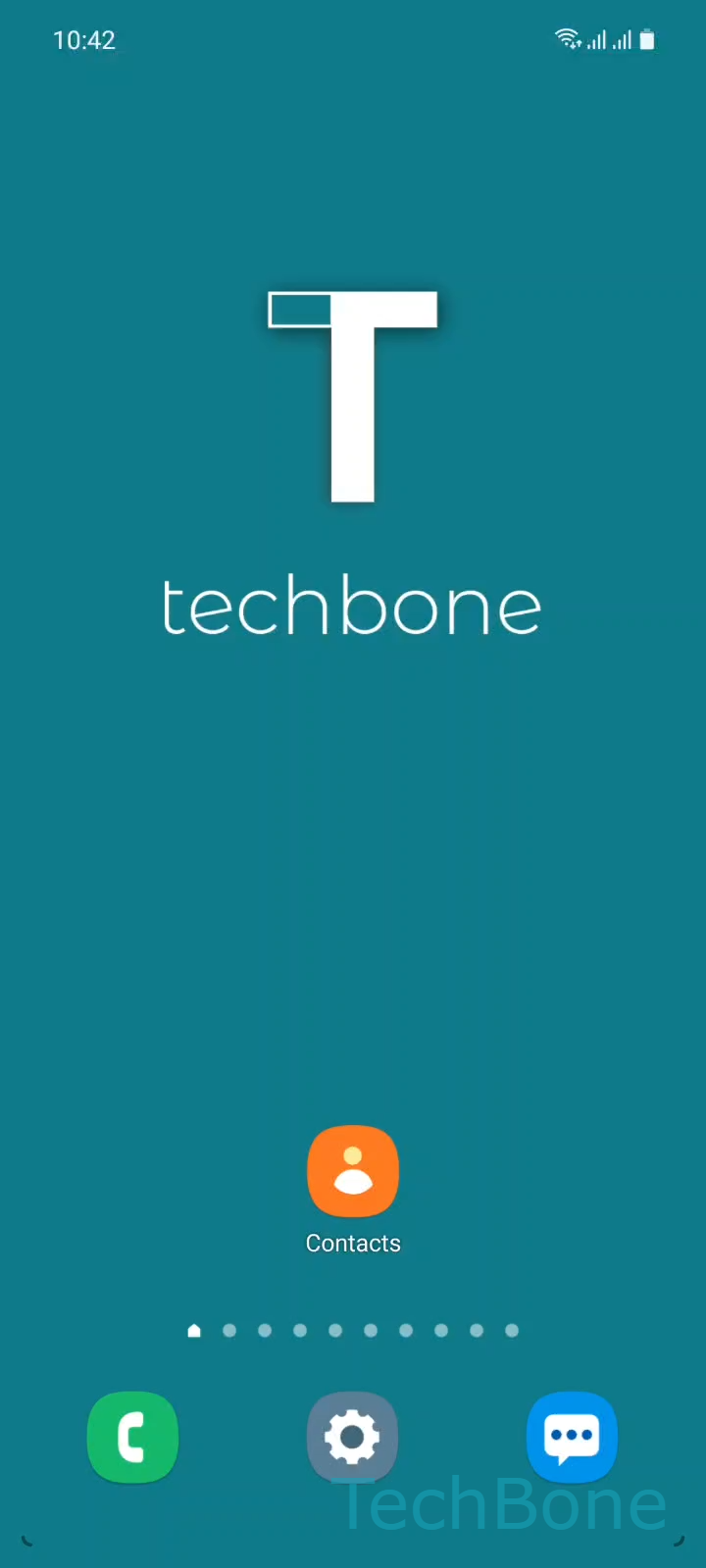
Step 1 of 7: Tap on **Contacts**

1

Tap on Contacts

Live simulator

Android 11 · One UI 3
Add Emergency Contacts – One UI 3: step 1 – Tap on Contacts
Tap on Contacts
1 / 7

Scroll or use the buttons for the next step

Feedback

Was the guide correct?

Help others: confirm the path or report a problem.

88

Confirmations

Forum verified this path

Samsung

Add Emergency Contacts auf Samsung

Samsung stores emergency contacts inside your own Contacts profile, not in the general phonebook. That is why a number saved as a regular contact never appears during an SOS call, and why you need to add it separately.

The feature works together with the Emergency SOS system on your phone. When you trigger an SOS message or place an emergency call from a locked screen, the device only offers the people listed in this profile section, plus the local emergency number.

To add someone, open ContactsTap on ProfileTap on Emergency contactsTap on EditTap on Add member, select one or more entries and confirm with DoneTap on Save.

Repeat these steps whenever you change phone numbers or want to remove someone from the list. If a contact does not appear in the selection screen, check that they are saved locally in Contacts and not only in a cloud-only account that has not synced yet.

This setting does not replace medical ID information. If you need first responders to see allergies or blood type, add that separately in the medical info section of the same app.

Frequently asked questions

Samsung does not enforce a single fixed number in the standard setup; you can keep adding people through Tap on Add member as long as they are saved in your local Contacts app.

Compatible devices

Tap your device — opens its hub with matching guides.

Android 11 · One UI 3

No compatible devices are listed for this version.