Skip to content
TechBone
Samsung

Samsung: Empty the Recycle Bin in Gallery

Deleted photos and videos in the Samsung Gallery app do not disappear right away. They sit in the Trash for a set number of days before Samsung removes them automatically, and until then they still take up storage space. If you need to free up space immediately or make sure sensitive files are gone for good, you have to clear the Trash yourself.

4 min5 steps
Version

Step by step

1 / 5

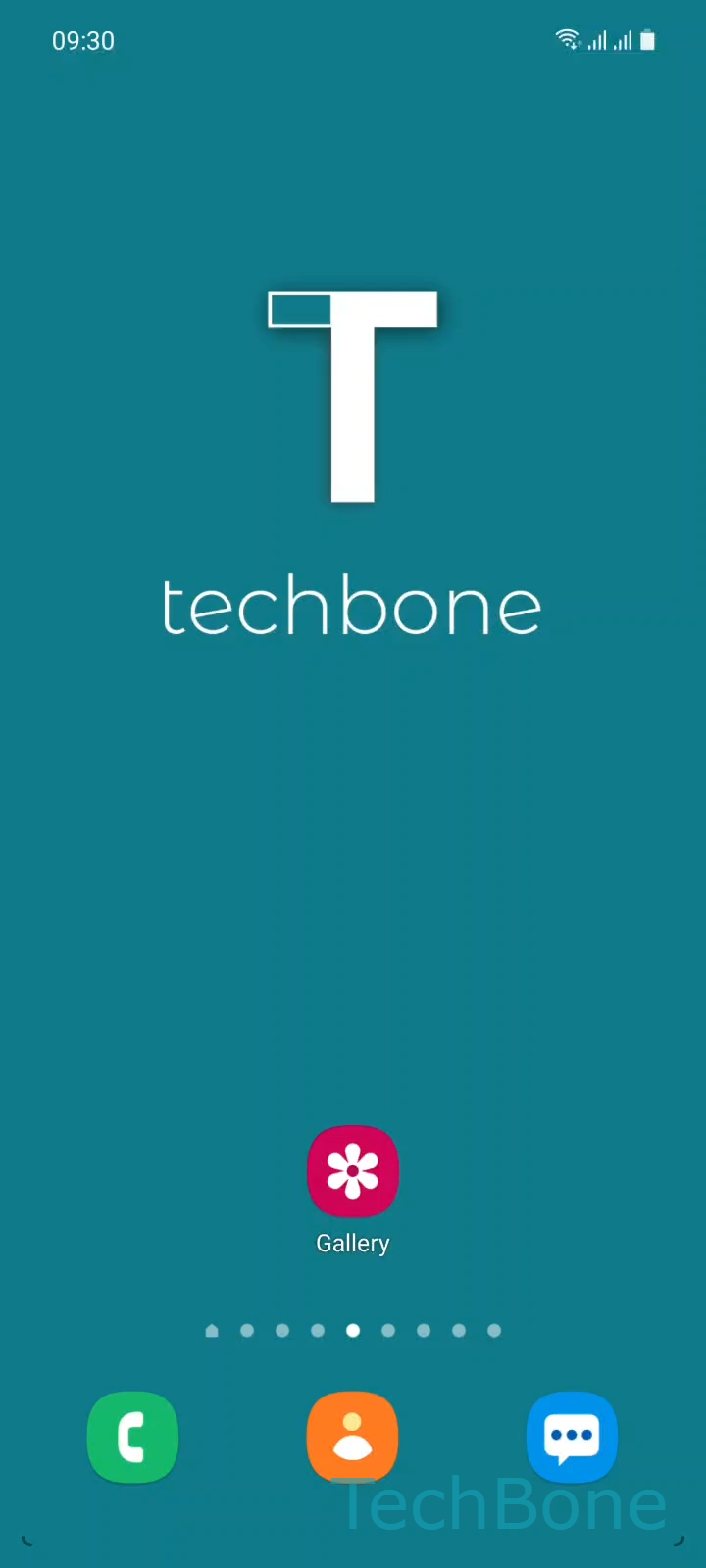
Step 1 of 5: Tap on **Gallery**

1

Tap on Gallery

Live simulator

Android 11 · One UI 3
Empty the Gallery Recycle Bin – One UI 3: step 1 – Tap on Gallery
Tap on Gallery
1 / 5

Scroll or use the buttons for the next step

Feedback

Was the guide correct?

Help others: confirm the path or report a problem.

63

Confirmations

Forum verified this path

Samsung

Empty the Gallery Recycle Bin auf Samsung

The Samsung Gallery app moves deleted photos and videos into a Trash folder instead of removing them right away. Depending on your software version, files stay there for either 15 or 30 days before the system deletes them automatically. Until that happens, the files still count toward your storage usage.

If you want to reclaim that space sooner, or make sure certain files cannot be restored, clear the Trash manually. Once you empty it, the files are gone permanently and cannot be recovered through the app.

Steps to empty the Trash

Open Gallery on your device. Tap the Menu icon, then select Trash. From there, tap Empty and confirm with Empty Trash.

You can also open individual items inside the Trash and delete them one by one if you only want to remove specific photos or videos while keeping the rest until the automatic deletion date.

Skip this step if you might still need one of the deleted files. Once the Trash is emptied, there is no built-in way to bring those photos or videos back.

Frequently asked questions

No. Once you tap Empty Trash, the files are removed permanently and Samsung Gallery has no built-in recovery option for them.

Compatible devices

Tap your device — opens its hub with matching guides.

Android 11 · One UI 3

No compatible devices are listed for this version.