Skip to content
TechBone
Samsung

Samsung: Show or Hide Reminder Tasks in Calendar

If your Samsung calendar suddenly fills up with tasks you never created there, the Reminder app is likely syncing them in automatically. This happens by default and can clutter your daily view with items that belong to a separate to-do list. You can control whether these Reminder tasks show up in Calendar without deleting the tasks themselves.

3 min4 steps
Version

Step by step

1 / 4

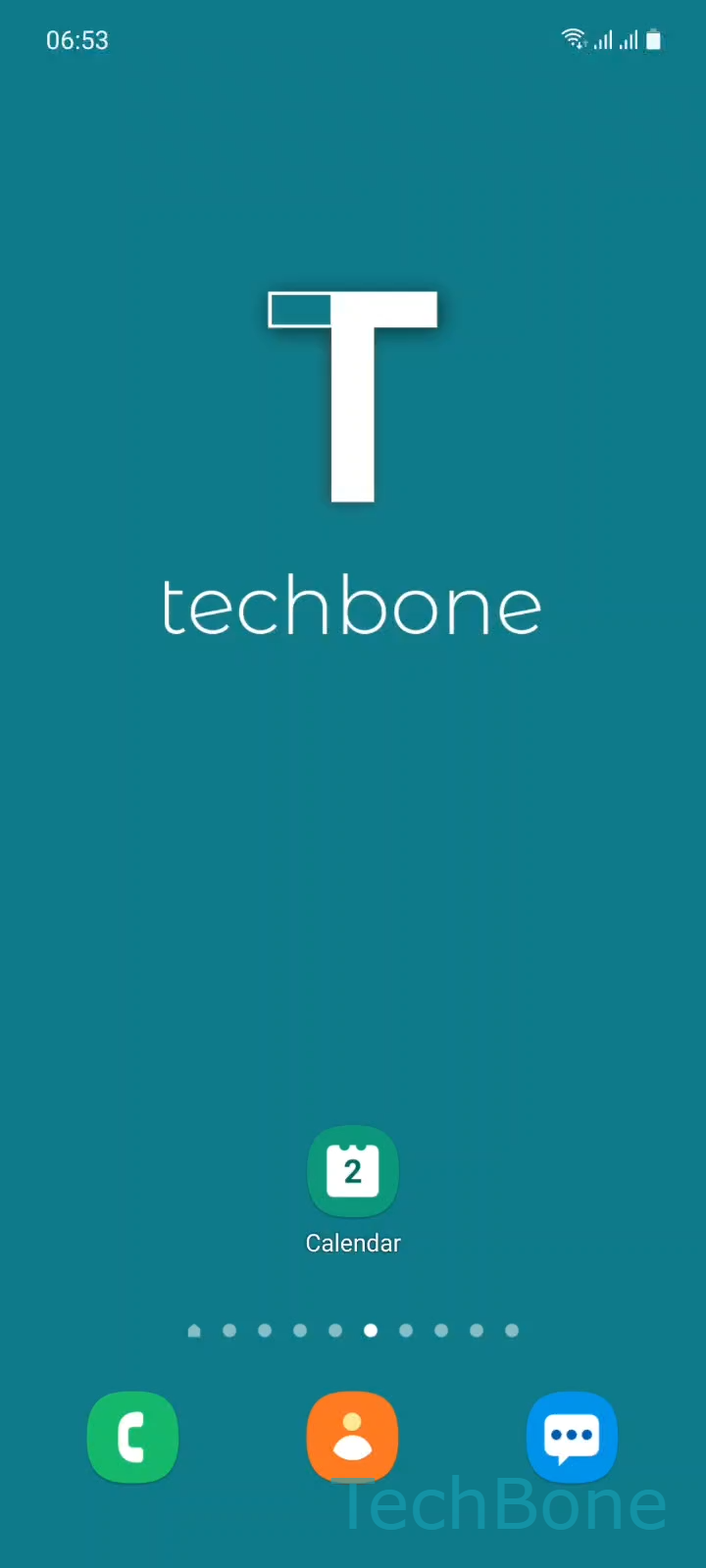
Step 1 of 4: Tap on **Calendar**

1

Tap on Calendar

Live simulator

Android 11 · One UI 3
Show or Hide Reminder Tasks in Calendar – One UI 3: step 1 – Tap on Calendar
Tap on Calendar
1 / 4

Scroll or use the buttons for the next step

Feedback

Was the guide correct?

Help others: confirm the path or report a problem.

41

Confirmations

Forum verified this path

Samsung

Show or Hide Reminder Tasks in Calendar auf Samsung

On Samsung phones, tasks created in the Reminder app are automatically pulled into Calendar. This is controlled by a setting called App events, which links external apps like Reminder to your calendar view. For most people this is helpful, since it gives a single overview of appointments and to-dos.

For others, it means the calendar looks crowded with items that were never meant to be scheduled events. If your Reminder list already has its own workflow, seeing those same tasks duplicated in Calendar can be confusing, especially on busy days with many appointments.

Where to change this setting

Open the Calendar app and go to Tap on CalendarOpen the MenuTap on App eventsEnable or disable Reminder. Disabling Reminder here removes those tasks from the calendar view only. The tasks themselves stay untouched in the Reminder app.

If you later want tasks back in your calendar overview, repeat the same steps and enable Reminder again in App events. No tasks are lost either way, since this setting only affects how they are displayed in Calendar.

Frequently asked questions

No. Turning off Reminder under App events only stops those tasks from appearing in Calendar. All tasks remain saved and visible inside the Reminder app itself.

Compatible devices

Tap your device — opens its hub with matching guides.

Android 11 · One UI 3

No compatible devices are listed for this version.