Skip to content
TechBone
Samsung

Samsung: Turn Roaming Clock On or Off

When you travel abroad, your Samsung lock screen suddenly shows two clocks instead of one, and the extra roaming clock keeps confusing you at a glance. This happens because the device detects a foreign network and automatically adds the local time next to your home time zone. The setting sits in the lock screen options, not in the general date and time menu, which is why many users struggle to find it.

4 min5 steps
Version

Step by step

1 / 5

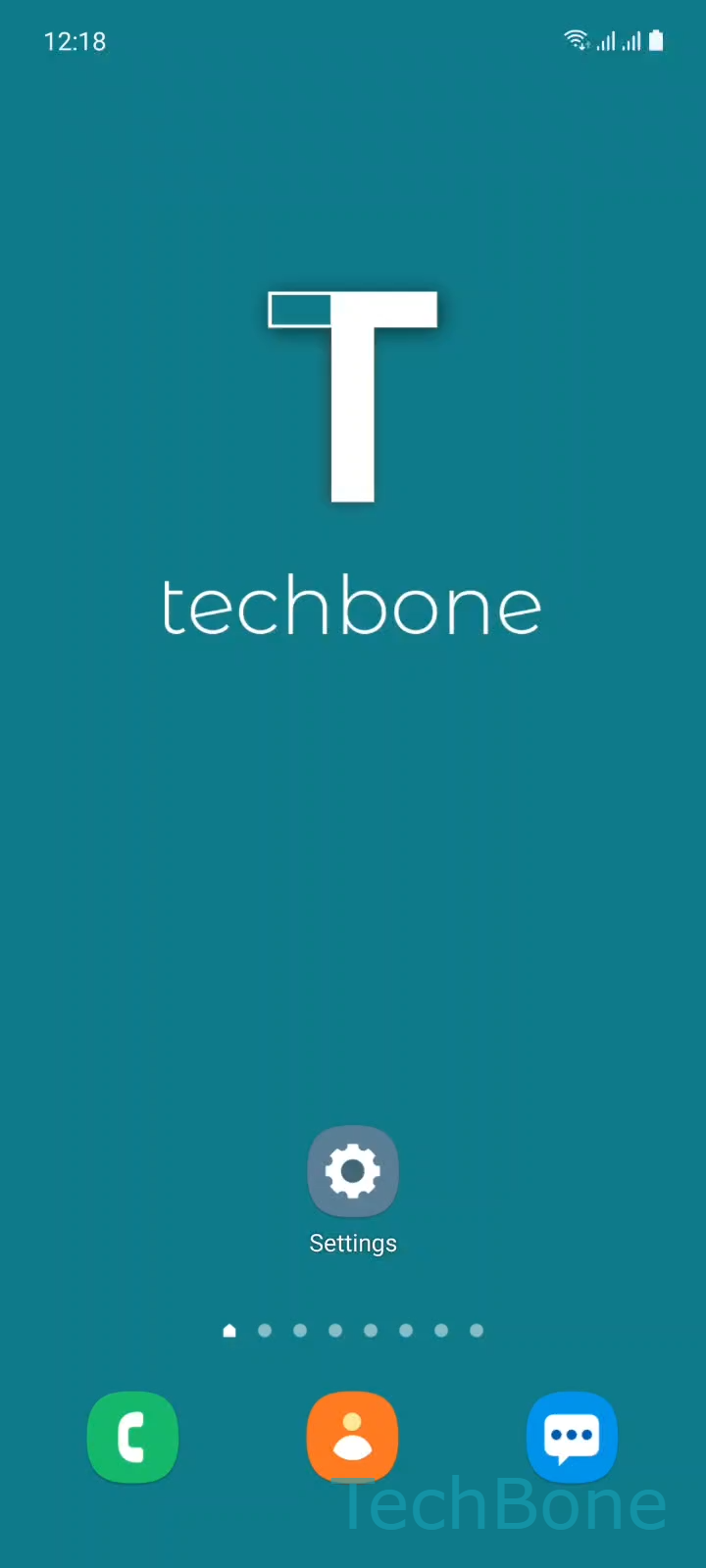
Step 1 of 5: Tap on **Settings**

1

Tap on Settings

Live simulator

Android 11 · One UI 3
Turn On/Off Roaming Clock on Lock Screen – One UI 3: step 1 – Tap on Settings
Tap on Settings
1 / 5

Scroll or use the buttons for the next step

Feedback

Was the guide correct?

Help others: confirm the path or report a problem.

66

Confirmations

Forum verified this path

Samsung

Turn On/Off Roaming Clock on Lock Screen auf Samsung

Samsung phones automatically detect when you connect to a network abroad and switch to roaming mode. In that state, One UI adds a second clock to the lock screen, showing the local time next to your home time zone.

This roaming clock is controlled by a dedicated toggle inside the lock screen settings, separate from the general date and time menu. Go to Tap on SettingsTap on Lock screenTap on Roaming clockEnable or disable Roaming clockSet the Home time zone and turn on/off Show on Always On Display.

Turning the option on keeps both time zones visible, useful if you coordinate meetings or calls across countries. Turning it off shows only the local network time, which is often less distracting for short trips.

The Home time zone field only matters while the roaming clock is active, since it defines which second time gets displayed. If you also use Always On Display, decide separately whether the extra clock should appear there, since that toggle is independent from the lock screen setting.

If your device shows only one clock even while roaming, check whether the network operator reports a valid time zone; without that data, One UI cannot calculate the second time.

Frequently asked questions

The device detects a roaming network and automatically enables the roaming clock, comparing the local time abroad with your Home time zone set under Tap on SettingsTap on Lock screenTap on Roaming clock.

Compatible devices

Tap your device — opens its hub with matching guides.

Android 11 · One UI 3

No compatible devices are listed for this version.