Skip to content
TechBone
Xiaomi

Xiaomi: Turn On or Off Dark Mode

If your Xiaomi screen still glares white at night, straining your eyes and eating into battery life, Dark Mode is probably still switched off. MIUI can flip the whole interface to a dark layout, but many users never find the schedule option that would turn it on automatically at a set time. Without that schedule active, you end up switching the toggle by hand every evening.

3 min3 steps
Version

Step by step

1 / 3

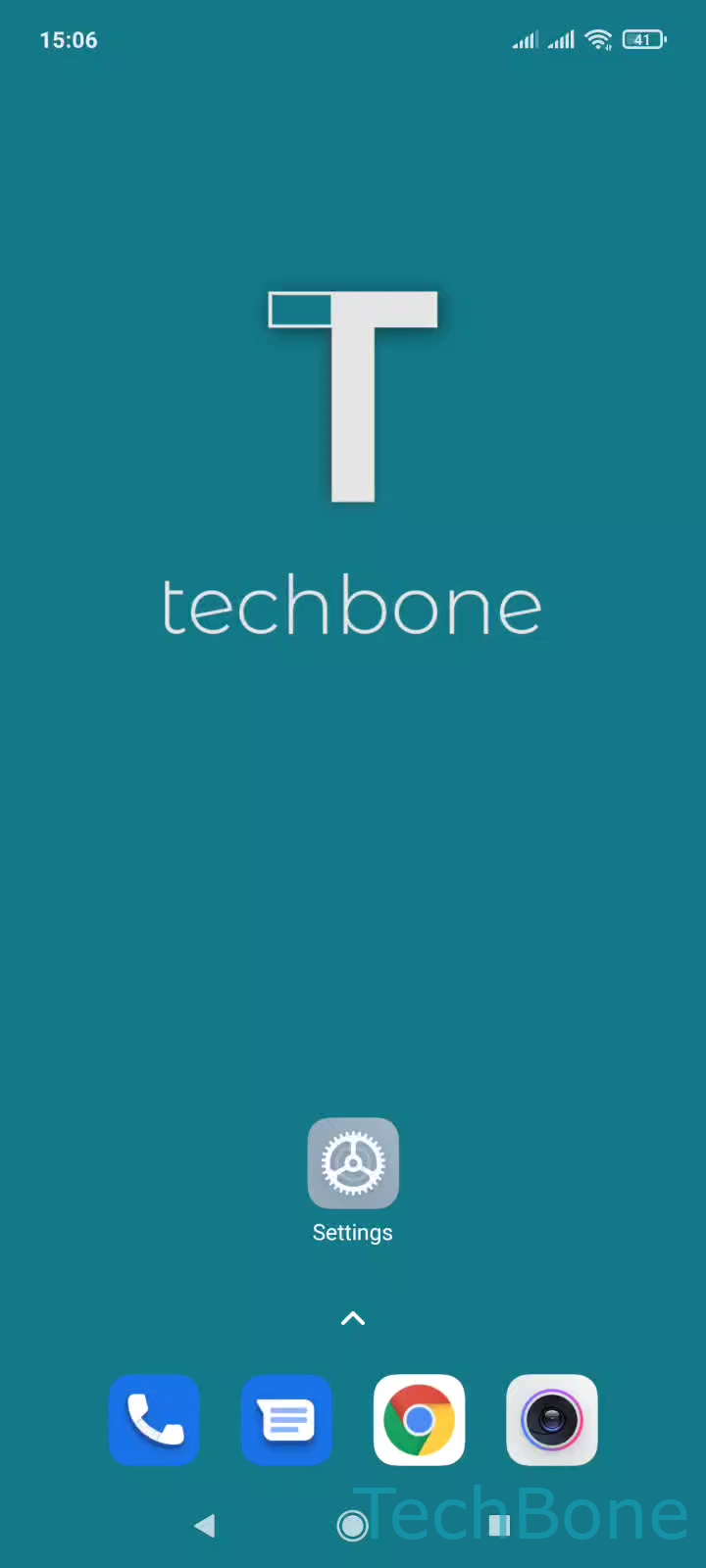
Step 1 of 3: Tap on **Settings**

1

Tap on Settings

Live simulator

Android 11 · MIUI
Turn On/Off Dark Mode – MIUI: step 1 – Tap on Settings
Tap on Settings
1 / 3

Scroll or use the buttons for the next step

Feedback

Was the guide correct?

Help others: confirm the path or report a problem.

66

Confirmations

Forum verified this path

Xiaomi

Turn On/Off Dark Mode auf Xiaomi

A bright white interface at night is uncomfortable and can shorten battery life on Xiaomi phones with an OLED screen. MIUI includes a system-wide Dark Mode that switches backgrounds to black and text to light gray across the home screen, app drawer and most menus.

To change it, open SettingsDisplay, then pick Light mode or Dark mode. The change applies immediately to the system UI and to apps that support the dark theme.

On the same screen you usually find a schedule option. It lets Dark Mode switch on automatically at sunset or at a fixed time you set, so you do not have to toggle it manually every day.

Dark Mode mainly affects system elements and apps built with theme support. Some third-party apps ignore the system setting and keep their own light interface, which is normal and not a bug.

If your phone still looks light after switching, check whether a custom theme from the Themes app is overriding the display setting, since active themes can block Dark Mode from applying fully.

Frequently asked questions

This usually happens when a schedule is active and the current time falls outside the dark period, or when a custom theme resets display settings on reboot. Check SettingsDisplay to confirm which mode and schedule are currently set.